


Quick Summary:
- Install ParkNYC, add your card, and practise entering zone numbers.
- Set up SpotHero and ParkWhiz to compare garage options quickly.
- Enable notifications, location access, and email receipts for easier tracking.
- Update the rental plate in every app immediately after collection.
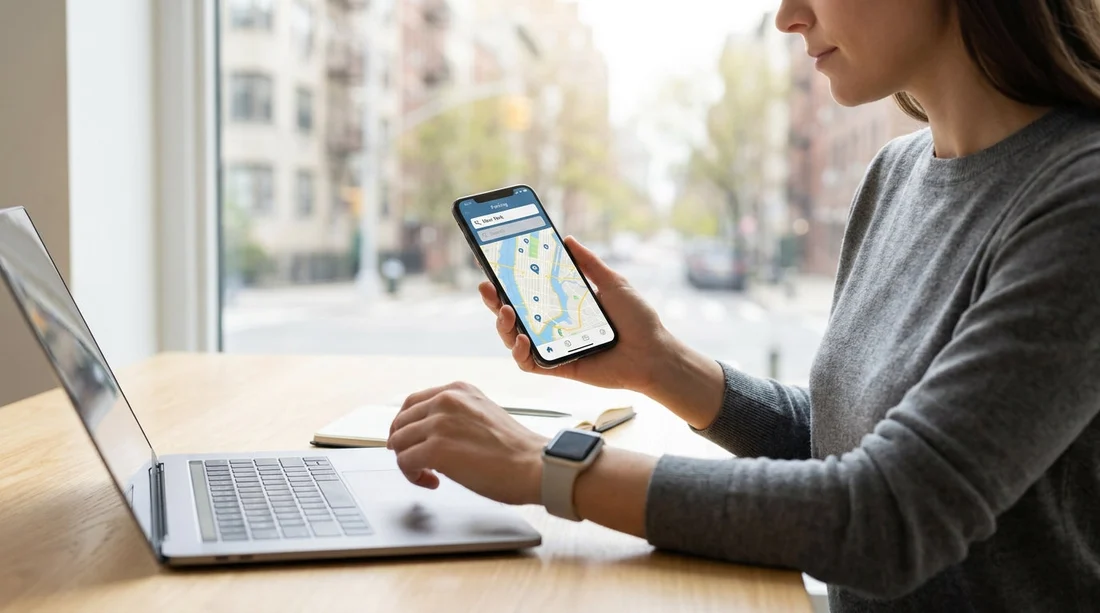
Sorting parking before you collect a car hire in New York saves time, stress, and often money. NYC driving has a few quirks, including dense commercial zones, frequent street-cleaning rules, and neighbourhood-specific restrictions. The right apps help you pay meters without hunting for a working machine, compare garage rates while you are still on the approach, and keep digital receipts in one place for expenses.
Below are the parking apps worth setting up in advance, plus the exact settings that make them actually useful once you have the keys.
1) The essential NYC meter app: ParkNYC
If you plan to park on-street at any point, ParkNYC is the first app to set up. It is New York City’s official way to pay for metered parking in many areas, and it is commonly easier than feeding a meter or queuing at a pay station.
Set it up before you travel, then do three things: add a payment method, allow notifications, and familiarise yourself with “zone” entry. NYC kerbside meters typically have a zone number on the sign or meter, and the app needs that number to start a session. If you are travelling for work, also turn on email receipts so you are not searching your bank feed later.
One key detail for rentals: the app needs the vehicle plate to start a session. You can create the account now and add a “temporary vehicle” later. As soon as you collect the car, enter the plate exactly as shown, including any letters, numbers, and spacing conventions used by the app.
2) Two garage-finder apps that make Manhattan easier
In many parts of Manhattan, a garage can be simpler than circling for a legal on-street space. Garage apps also help you avoid accidentally parking in restricted areas, such as metered commercial loading zones or streets with strict time windows.
SpotHero is popular for comparing and pre-paying for garages. It tends to be strongest when you know your destination and times, for example a midtown meeting or an evening show. Set up your account, add a card, and switch on location services so it can suggest nearby options quickly. Make sure you check whether the booking includes “in and out” privileges, most do not.
ParkWhiz is another strong option for Manhattan, airports, and event parking. Even if you prefer one app, having both installed helps because inventory and pricing can differ by operator and time. Configure both with saved vehicle details, notifications, and your preferred receipt method.
When you are using any garage app with a rental car, read the access notes carefully. Some locations require scanning a QR code at the entrance, others want you to show a booking confirmation to an attendant. If you have limited mobile signal, save the confirmation in-app and take a screenshot before you drive into a lower-level garage.
If you are planning other US city stops after New York, Hola Car Rentals has location guides that can help you compare pick-up points and driving expectations, for example Los Angeles (LAX) and Philadelphia (PHL), which can influence whether you rely more on street parking or garages.
3) A curb-rule app to avoid tickets: SpotAngels
New York tickets add up quickly, and many first-time visitors get caught by street cleaning, “no standing” windows, or signs that apply only on certain days. SpotAngels is useful because it crowdsources parking rules and shows a map view of restrictions, time limits, and sometimes price expectations.
It is not a substitute for reading the actual street signs, but it is an excellent “second check” before you leave the car. Set it up with location permissions and offline map caching if available on your device. Also enable alerts for session end times or rule changes, so you get a nudge before the window closes.
Best practice in NYC is to cross-check: use SpotAngels to shortlist a street, then confirm with the posted signs once you arrive. If anything conflicts, the sign wins. Taking a quick photo of the sign near your vehicle can be helpful if you need to recall the exact rule later.
4) Parking payment beyond NYC: PayByPhone and Passport Parking
If your car hire in New York includes day trips, you may run into different meter systems across nearby towns and cities. Two of the most common meter-payment platforms across the US are PayByPhone and Passport Parking. You may not need them in central Manhattan, but they can be very handy in parts of Brooklyn, Queens, New Jersey, Long Island, Westchester, and even further afield depending on where you drive.
Installing both is a “cover your bases” move. The setup is the same: create an account, add a card, allow notifications, and learn how they handle zones or location codes. After you pick up the rental, update the vehicle plate inside each app so you can use them immediately if you encounter a compatible meter.
Even if you never use them in New York, they can be useful on other legs of a US trip, such as a California stop near LAX or a Utah visit via Salt Lake City (SLC), where city-specific parking tools differ.
5) Settings to check before you drive off the lot
Downloading apps is only half the job. The settings below are what prevent last-minute problems when you are already in traffic.
Payment readiness: Add a card in every app you might use, and confirm your bank will not block a US transaction.
Notifications: Turn on push notifications for expiry reminders. In NYC, a two-minute delay can be the difference between returning on time and getting ticketed.
Location permissions: Set to “While using the app” at minimum. Garage apps are faster when they can show nearby options without repeated manual searching.
Vehicle details: You cannot enter the plate until you have it, but you can prepare a placeholder profile and rename it “NYC rental”. Once you have the keys, update the plate and the state shown on the registration, then double-check for typos.
Receipts for expenses: If you are travelling for work, set receipts to email and keep them in a single folder. Most parking apps allow you to export a history of sessions, which is much easier than hunting separate confirmations.
FAQ
Do I need ParkNYC if I plan to use garages only? Not strictly, but it is a good backup for short stops. In NYC you may still use metered spaces for quick errands, and ParkNYC avoids hunting for a payment machine.
Can I set up parking apps before I know my rental’s number plate? Yes. Create accounts, add your payment card, and enable notifications first. Then add the plate immediately after collection, because most meter apps require it to start a session.
Are garage apps cheaper than paying at the entrance? Often they can be, especially when you pre-book for fixed times. Prices vary by operator and demand, so having two apps helps you compare quickly.
Will a parking app protect me from getting a ticket? It reduces the risk by reminding you about expiry and helping you understand rules, but it cannot override street signs. Always read posted signs and follow their restrictions.
What if I have poor mobile signal in a garage? Save confirmations in-app where possible and take a screenshot of your QR code or booking reference before entering. This prevents delays at the barrier or with an attendant.




























































































