


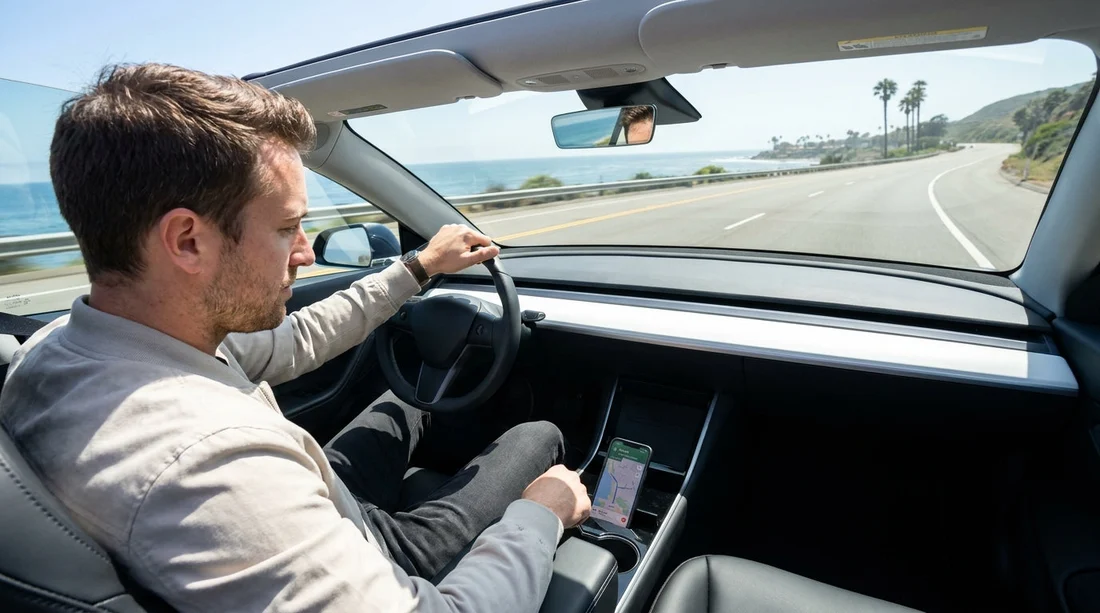
Quick Summary:
- In California, a handheld phone for navigation while driving is generally illegal.
- Use a dashboard or windscreen mount so the phone is not held.
- Voice guidance is allowed, but touching the screen must be minimal.
- Pull over safely before entering destinations or adjusting routes.
If you are using a rental car in California, the same mobile phone laws apply as they do in your own vehicle. The key point is simple: holding your phone in your hand while driving, even if it is only showing sat nav, is usually not legal. The safer, compliant approach is to mount the phone and rely on voice guidance and brief, minimal taps when necessary.
This matters for visitors, because it is easy to assume navigation is exempt, especially if you are trying to find a hotel, a beach turn-off, or a freeway junction you have never driven before. California treats a phone used for sat nav as an “electronic wireless communications device”, so the handheld restriction still applies.
What California law says about phone use for navigation
California’s handheld phone restrictions are widely enforced. In practice, if a police officer sees you holding a phone while your vehicle is in motion, you may be stopped, even if the screen shows a map and you are not actively messaging.
The law allows hands-free operation. That means you can use built-in Bluetooth, a wired headset, or the phone’s speaker, and you can interact with the device using a single tap or swipe, as long as the phone is mounted to the windscreen or dashboard in a position that does not obstruct your view.
In other words, the issue is not “sat nav versus texting”, it is handheld use versus mounted, hands-free use. For travellers picking up car hire, this is one of the quickest ways to turn an otherwise straightforward trip into an avoidable fine.
Is it legal without a mount?
Generally, no. If “without a mount” means you are holding the phone, resting it on your lap, wedging it in your hand against the steering wheel, or balancing it on the centre console while touching it frequently, you are likely outside what California permits. Even if the phone is not in your hand, an unsecured phone that you keep picking up to look at directions can put you right back into handheld use.
Could you technically run sat nav without a mount if you never touch or hold the phone while driving, for example by placing it in a stable spot and using audio directions only? That is a grey area and risky. If the phone slides, you glance down repeatedly, or you pick it up at lights, an officer may view it as illegal use or unsafe driving. A low-cost mount eliminates most of the doubt.
What counts as a legal “mounted” setup
A compliant setup usually has three elements: the phone is secured, your view is clear, and your interaction is minimal.
Securely attached: Use a suction windscreen mount or a dashboard vent mount that holds the phone firmly. Avoid anything that blocks airbags or requires you to reach awkwardly.
Does not obstruct your view: Mounting too high can interfere with visibility. Mounting too low can tempt you to look down for too long. Aim for a position close to your normal line of sight, but not in the middle of the windscreen.
Minimal touch input: California permits limited interaction, typically described as a single tap or swipe. Practically, that means starting navigation before moving, then relying on voice prompts. If you need to type an address, search for petrol, or change complex settings, pull over somewhere safe.
Rental car realities, Bluetooth, and built-in screens
Many rental cars have Bluetooth audio, and some include Apple CarPlay or Android Auto. If your rental has an integrated screen, using it can reduce the need to touch your phone at all, because the phone remains connected while you interact with the car’s interface. That can be a safer way to navigate unfamiliar roads, especially around Los Angeles interchanges where exits arrive quickly.
If you are arranging a pickup at a large airport, you might compare vehicles and features on Hola Car Rentals pages such as car hire Los Angeles LAX before travelling, then confirm connectivity at the counter.
Even with CarPlay or Android Auto, set your destination before you leave the car park. Also remember that passenger use is different. A front-seat passenger can handle the phone and adjust routes, which can be helpful if you are navigating busy areas.
Common situations that still get drivers into trouble
Entering the destination at traffic lights: Many drivers assume stopping at a red light makes handheld phone use acceptable. In California, that can still be treated as driving while using a handheld device.
Picking up the phone when it falls: If the phone slides off the seat, the natural reaction is to grab it. Instead, focus on driving, then pull over safely. Reaching down can also be treated as unsafe driving, independent of phone laws.
Holding the phone for better GPS signal: If navigation is cutting out, holding it up is not the fix. Use offline maps, ensure location permissions are on, and keep the phone charged and mounted.
Frequent screen taps: Even with a mount, repeated tapping to zoom, pan, and reroute can look like distracted driving. Set the route, increase volume, and let the voice guidance do the work.
Practical compliance tips for visitors using car hire
Bring or buy a mount: A simple mount is small, inexpensive, and reduces risk. If you buy one on arrival, check it suits your phone size and case.
Use voice prompts: Turn on spoken directions and raise the volume so you do not need to stare at the screen.
Download offline maps: Some areas can have patchy coverage. Offline maps help you avoid fiddling with the phone to reload routes.
Plan your first 10 minutes: The most stressful time is leaving the rental location and joining major roads. Set your route, review the first couple of turns, and only then start driving.
Choose safe pull-over points: If you are unsure, exit to a petrol station or a well-lit car park to make changes calmly.
What about emergencies and exceptions?
California allows drivers to use a phone in specific emergency situations, such as calling emergency services. That is not the same as adjusting sat nav, checking traffic, or searching for a restaurant. If you need to reroute due to an accident or closure, the safer approach is to use voice commands or pull over.
Also note that local enforcement can vary by area. Tourist-heavy regions may be active with traffic stops, and rental cars can stand out. A cautious approach is worth it.
How fines and consequences can affect your trip
Penalties can include fines and possible points on your driving record, depending on circumstances. For visitors, the bigger impact is often time and stress, plus the possibility of needing to deal with paperwork after your holiday. If you are using car hire for a multi-city itinerary, staying compliant helps keep the journey smooth.
If your trip continues beyond California, remember that rules differ by state. For instance, travellers often compare options and routes when flying into other hubs using pages like National car rental Chicago ORD, SUV hire Salt Lake City SLC, or Hertz car rental Houston IAH. Even when state laws change, the best practice stays consistent: mount the phone, go hands-free, and avoid interacting while moving.
Bottom line
In California, using your phone as sat nav without a mount is usually not legal if it involves holding the phone while driving. The practical solution is to mount the phone securely, rely on voice guidance, and pull over to make changes. For rental car drivers, that approach reduces legal risk and makes driving unfamiliar roads far less distracting.
FAQ
Can I hold my phone briefly to check directions in California? Usually no. Holding the phone while driving, even for navigation, can lead to a stop and citation. Use a mount and voice prompts instead.
Is it okay to touch the screen when the phone is mounted? Limited interaction is generally allowed, typically a single tap or swipe. Set your route before moving, and pull over for anything more involved.
Does it change if I am in a rental car? No. The same California rules apply whether it is your own car or a rental. Treat any car hire vehicle the same for compliance.
Can my passenger use my phone for navigation? Yes. A passenger can hold and operate the phone, which is often the easiest way to adjust routes while you focus on driving.
Will a police officer accept that I was only using sat nav? Not necessarily. Sat nav is still phone use, and if it is handheld, it is usually treated as illegal. A mount and hands-free setup avoid the argument.




























































































