


Quick Summary:
- A digital confirmation usually works, but save it offline before arrival.
- Bring physical driving licence, photo ID, and a matching payment card.
- Printed vouchers may help for prepaid, corporate, or complex bookings.
- Check names, pickup time, and reservation number before joining the queue.
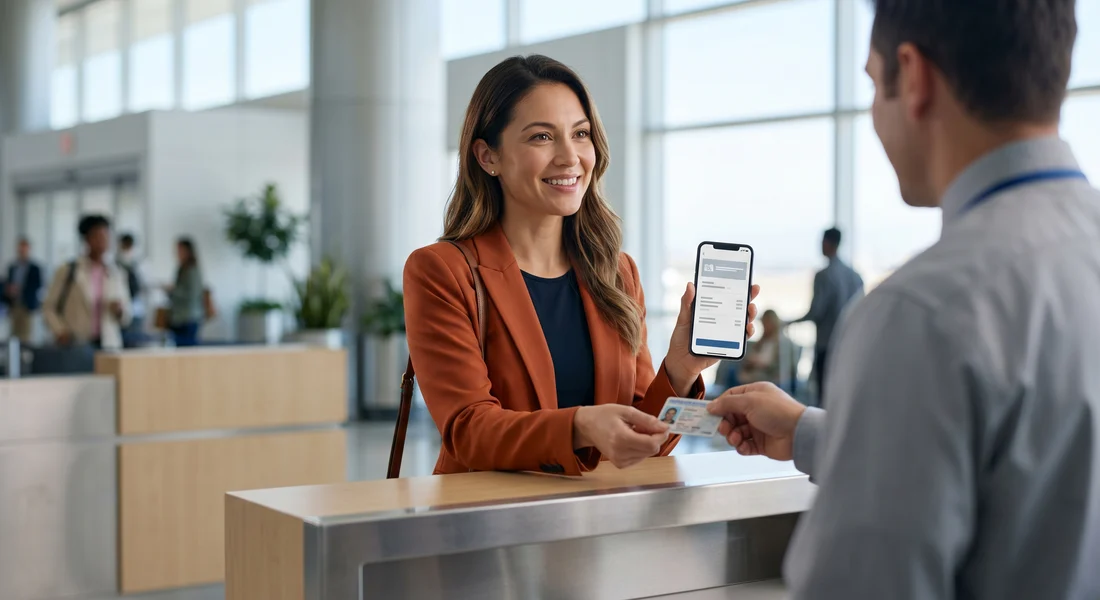
A digital booking confirmation is usually enough to collect a rental car at SFO in San Francisco, provided the counter agent can quickly match your details to a live reservation. In practice, the fastest pick ups happen when your confirmation is easy to open on your phone, your name matches your identification, and you have the correct payment card in hand.
If you are arranging car hire at San Francisco International Airport, plan for the desk to prioritise three things over the format of your confirmation: identity, driving eligibility, and payment. A digital confirmation supports the process, but it does not replace the core documents the agent must check before releasing a vehicle.
If you want to review airport specific pickup expectations, Hola Car Rentals provides useful reference pages for car rental at San Francisco Airport (SFO) and general car rental in San Francisco (SFO).
What the counter actually needs to see at SFO
Most SFO rental desks can pull up a reservation using your surname plus a booking or confirmation number. Showing the confirmation on a phone is typically fine, especially if it clearly displays the lead driver name, pickup location, dates, and reservation number.
1) Valid photo ID. For international travellers, this is commonly a passport. Domestic travellers often use a state ID or passport, depending on company policy and security requirements.
2) A physical driving licence. A digital driving licence on a phone is not consistently accepted. Many rental companies require the original, physical licence. If your licence is not in English, ask whether an International Driving Permit is recommended for your situation, as policies vary by renter and issuing country.
3) A payment card in the driver’s name. The payment card must usually match the lead driver. If someone else is paying, you may need that person present, or you may need to arrange pre payment in a compliant way. Debit card acceptance can differ, and some suppliers apply additional checks or restrict vehicle categories.
4) Your reservation details. Even if the confirmation is visible, having the reservation number copied into your notes helps if an email will not load. Ensure the pickup time and terminal or shuttle instructions match what you intend to do.
When a printed voucher might be requested
It is increasingly common to complete the process with a digital confirmation only, yet there are still situations where staff may ask to see a printed voucher rather than a phone screen. This does not always mean the desk will refuse a digital copy, but it can slow the process if they need to validate a rate or inclusions.
The booking is prepaid through a third party. Some prepaid reservations include a voucher that itemises inclusions like taxes, one way fees, or extra driver terms. If the agent cannot see these details in their system, a printed voucher can speed up validation.
You are using a corporate, membership, or negotiated rate. Corporate codes sometimes require evidence or additional authorisation. A printed document can help confirm eligibility and avoid re rating at the counter.
Connectivity issues. If your phone cannot load the confirmation and the desk cannot locate the booking, having a printed backup helps. SFO has good connectivity overall, but roaming issues and email logins still cause problems.
To reduce risk, save a PDF version of your confirmation to your phone before you travel, and consider carrying a printed copy if you are arriving after a long flight, have limited battery, or know you will be using a special rate.
Phone screen tips that keep the line moving
If you plan to rely on your phone, set it up so the agent can read the essentials quickly. Before you reach the desk, open the confirmation and zoom to show your name, reservation number, pickup location, and dates. Turn up screen brightness and disable auto lock temporarily.
If your booking is with a supplier specific page on Hola Car Rentals, it can help to know the brand name you reserved under. For example, you may have compared options like Budget car rental in San Francisco (SFO) or Payless car hire in San Francisco (SFO). Having the correct brand and booking reference ready reduces back and forth at the counter.
Printed voucher versus digital, what to choose
If your travel style is minimal, a digital confirmation is typically fine, as long as you also store it offline. If you are travelling internationally, arriving late at night, using a corporate code, or relying on a prepaid voucher, a printed copy is a sensible backup. The paper itself is not magic, but it removes two common points of failure: battery and connectivity.
For most travellers collecting a rental car at SFO in San Francisco, the best approach is simple: treat the digital confirmation as your fast reference, and treat your ID, licence, and payment card as the real keys that unlock the vehicle.
FAQ
Is a screenshot of my confirmation enough at SFO? Usually yes for locating the reservation, if it shows your name and booking number. You will still need your physical driving licence, ID, and an acceptable payment card.
Do I need to print my voucher for car hire at SFO? Often no. Printing is most helpful for prepaid vouchers, corporate rates, or when you want a backup if your phone cannot load emails or PDFs.
Will the rental desk accept a digital driving licence? Many suppliers require a physical licence card, even if your jurisdiction offers a digital version. Bring your original licence to avoid refusal or delays.
What if the cardholder is not the lead driver? This can cause a delay or a decline at pickup. Most suppliers require the lead driver to present a payment card in their own name for the deposit and rental charges.
What details should I check on my confirmation before arriving? Confirm the lead driver name, pickup location listed as SFO, dates and times, vehicle category, and any inclusions such as additional drivers or equipment.




























































































