


Quick Summary:
- Follow ‘MIA Mover’ signs from Arrivals to the 3rd-floor station.
- Ride the free automated train about three minutes to the Rental Car Center.
- Allow 20 to 35 minutes from gate to car hire counter.
- Use lifts for luggage, and confirm your car hire brand desk location.
The Miami International Airport (MIA) Rental Car Center is not inside the terminal buildings, it is reached by the MIA Mover, a free automated people mover. If you are collecting car hire in Miami, the key is knowing which level to head for, which signs to follow, and how much time to allow between landing and arriving at your rental desk.
Below is a step-by-step route from the terminals to the Rental Car Center using the MIA Mover, plus timing tips that help you avoid rushing, especially at peak arrival periods.
What the MIA Mover is, and where it goes
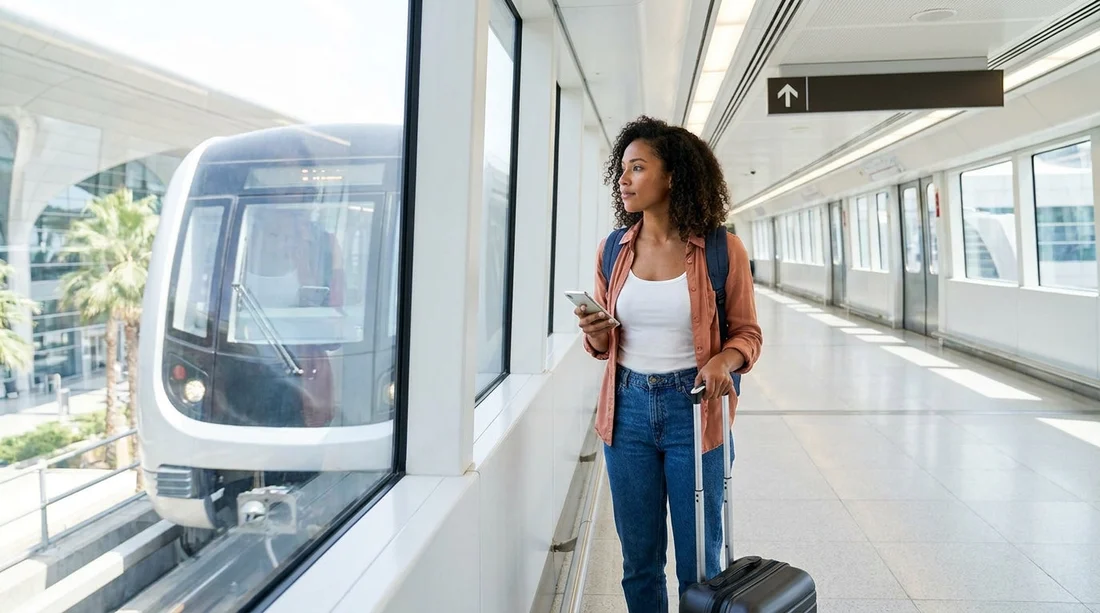
The MIA Mover is a driverless, elevated train that connects the main airport terminal area with the Miami Intermodal Center, commonly called the Rental Car Center. The journey is short, but the walking inside the terminal to reach the station is what catches many travellers out.
Once you arrive at the Rental Car Center, you will find the major rental desks together, along with lifts down to the garage areas where you collect your vehicle. If you already know which provider you are using, it can help to skim the brand page before you fly so you recognise the desk name quickly. For example, see Alamo car hire Miami MIA or Payless car rental Miami MIA.
Step-by-step: terminals to the MIA Mover station
Step 1, exit the aircraft and follow signs to baggage reclaim. After landing, follow the standard airport signs for Arrivals and baggage claim. If you have checked luggage, collect it first. If you are travelling with hand luggage only, you can still follow the same direction, then branch off to the MIA Mover route when you see it.
Step 2, look for ‘MIA Mover’ signage, not ‘Rental Cars’ alone. At MIA, ‘Rental Cars’ signs usually guide you towards the same path, but the clearest wayfinding uses ‘MIA Mover’ and ‘Miami Intermodal Center’. Focus on those terms so you do not end up circling the wrong corridor.
Step 3, head to the 3rd level for the MIA Mover station. The MIA Mover station is accessed from Level 3. If you are on Level 1 (Arrivals and ground transportation) or Level 2 (Departures), use lifts or escalators to reach Level 3, then follow the overhead signs for the MIA Mover. With luggage trolleys, lifts are typically the easiest option.
Step 4, stay on the marked walkway to the station entrance. Expect a brisk indoor walk through corridors and moving walkways. Keep your party together, and if you are travelling with children or several suitcases, plan a few extra minutes for pace and any short pauses.
Step-by-step: riding the MIA Mover to the Rental Car Center
Step 5, enter the station and take the next train. The MIA Mover runs frequently. There is no ticketing, it is free to use. Trains arrive often enough that waiting is usually short, but during busy waves of arrivals the platform can feel crowded.
Step 6, ride for around three minutes. The rail journey itself is quick. The bigger variable is the time you spend walking to the station and waiting for the next train. If you are timing a tight schedule, treat the ride as the easy part.
Step 7, exit at the Miami Intermodal Center, then follow ‘Rental Car Center’ signs. On arrival, you will walk into the intermodal facility and see clear directions to the Rental Car Center desks. If you are unsure, ask a staff member where your brand’s counters are located, then head straight there.
Step 8, proceed to the correct car hire desk and prepare your documents. Have your driving licence and payment card ready, and keep your booking details accessible. If multiple drivers are planned, it is helpful if everyone is present at the counter with their licences to avoid extra back-and-forth.
Timing tips: how long to allow from landing to car hire pickup
Travellers often underestimate the total time between touchdown and standing at the counter. The MIA Mover ride is short, but the overall process includes taxiing, disembarking, walking, baggage, and queueing. As a practical guide:
Allow 20 to 35 minutes from gate arrival to reaching the Rental Car Center counter if you have no checked bags and immigration is not required. If you are arriving internationally, or collecting checked luggage, 45 to 90 minutes is a more comfortable range, especially during peak periods.
Other factors that can add time include: long corridors at MIA, slower lifts when many people are moving between levels, and queues at popular rental brands. If you are travelling at a busy time, consider arriving at the Rental Car Center with patience rather than trying to sprint the last part of the route.
Practical route advice for different arrival situations
If you are arriving on a domestic flight: You will usually reach baggage claim relatively quickly. The main time variable is whether you check a bag. If you are hand luggage only, look for the MIA Mover signs sooner and go up to Level 3 as directed.
If you are arriving internationally: Plan for immigration, then baggage claim, then customs. Only after that should you follow the MIA Mover directions. This is where travellers often feel pressed for time, so it helps to know that the MIA Mover is still straightforward once you are landside.
If you are travelling with lots of luggage: Use lifts to Level 3 and keep bags consolidated. The walk to the station is easier if one person navigates and another manages the trolley. Build in a little extra time for lift waits and manoeuvring through the corridors.
How to avoid common wrong turns at MIA
Do not look for the rental garage next to the terminal. At MIA, the main rental facility is off-terminal, and the MIA Mover is the intended connection. If you keep expecting to see a car park full of rental vehicles by the terminal exits, you can waste time at the kerbside.
Do not confuse public transport directions with the car hire route. The intermodal centre also links to other transport options, so follow the ‘Rental Car Center’ guidance once you arrive there. If you end up following signs for other services, just retrace to the central hall and look for the rental desk area.
Do not wait to organise your booking at the counter. Before you join the queue, pull up your confirmation details and check that your group has the required ID. A minute of preparation can save several minutes if a document is missing.
Choosing the right pickup area for your Miami plans
Once you have your vehicle, it helps to have a plan for where you are heading first. If you are driving into the city centre, you may also be comparing airport pickup with other locations. Hola Car Rentals provides useful location information for planning, including car hire Airport Downtown Miami and car hire Downtown Miami.
If your trip involves nearby areas, you might also be weighing up alternative pickup points for different flight plans, such as Fort Lauderdale. For reference, see car rental Fort Lauderdale FLL. Even if you are landing at MIA, understanding nearby options can help if plans change.
Final checklist before you leave the Rental Car Center
Before driving out, take a moment to confirm you have everything you need. Check the fuel policy you agreed to, set up your phone navigation, and adjust mirrors and seating. If you are unfamiliar with driving in Miami, give yourself a minute to settle, then exit the garage carefully and follow signs to the correct roadway.
Most importantly, remember that the MIA Mover portion is simple: Level 3 station, quick train ride, then a short walk to the desks. The time you save comes from moving confidently through the terminal and allowing a realistic buffer for queues and baggage.
FAQ
Q: Is the MIA Mover free to use for car hire at Miami airport? A: Yes. The MIA Mover is a free automated train linking the terminals to the Rental Car Center.
Q: How long is the MIA Mover ride to the Rental Car Center? A: The ride itself is usually around three minutes, with extra time for walking and waiting.
Q: Which level do I go to in the terminal to reach the MIA Mover? A: Follow airport signs to Level 3, then continue on the marked route to the MIA Mover station.
Q: How much total time should I allow from landing to the car hire counter? A: Typically 20 to 35 minutes for simple arrivals, and 45 to 90 minutes if international or checking bags.
Q: What if I cannot find my rental brand desk at the Rental Car Center? A: Check the overhead directory and ask a staff member in the main hall to point you to the correct counter.




























































































