


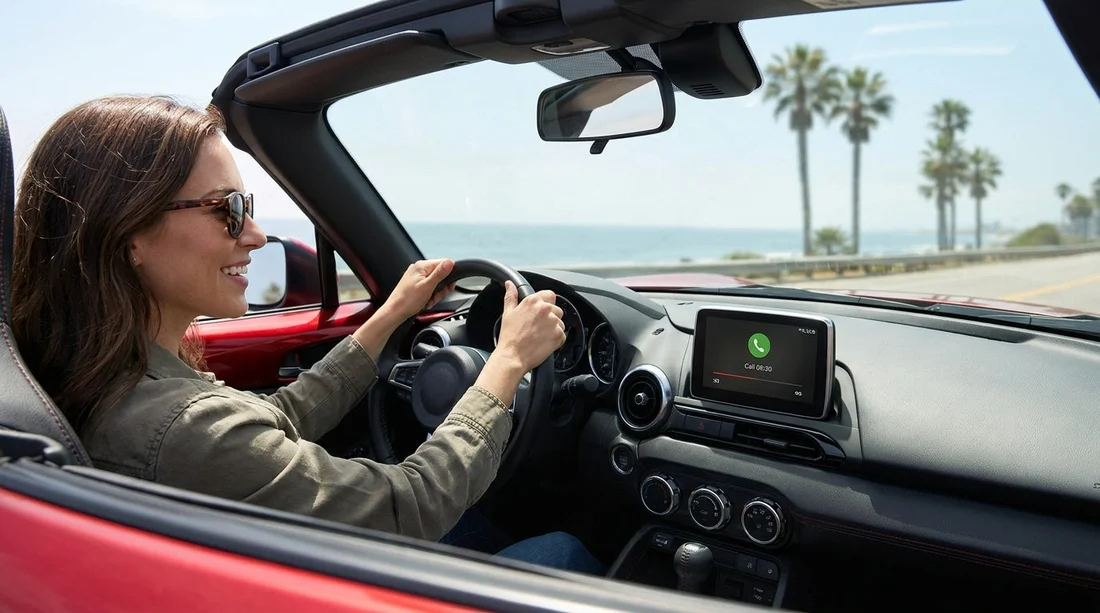
Quick Summary:
- Most newer rentals include Bluetooth, but base trims can still vary.
- At pick-up, test pairing, call audio, microphone clarity, and steering controls.
- Delete old devices and clear personal data for better privacy.
- Bring charging cables, and confirm USB ports before leaving the car park.
When you are arranging car hire in California, Bluetooth for hands-free calling is often available, but it is not truly guaranteed across every model, trim level, and fleet age. Most major airport and city fleets skew newer, which usually means built-in Bluetooth, a touchscreen, and some form of smartphone integration.
This guide explains what connectivity features are common in California rentals, what to check in the first five minutes at pick-up, and how to remove previous pairings so your contacts, call logs, and audio preferences are not left behind.
Is Bluetooth common in rental cars across California?
In practice, Bluetooth is common in rental fleets in California, especially at high-volume locations. Vehicles frequently used for motorway driving around Los Angeles, the Bay Area, and San Diego are often equipped with Bluetooth calling and audio streaming. That said, availability is still dependent on the specific vehicle assigned to you, not just the category on your reservation.
If your plans centre around a busy airport arrival, you will typically see newer inventory and a wider choice at the counter. For example, if you are collecting near Los Angeles International, fleets are usually modern and Bluetooth-equipped, see car hire at Los Angeles LAX. Similar expectations often apply in the Bay Area, such as Thrifty car hire at San Francisco SFO.
The takeaway is simple, assume Bluetooth is likely, then confirm it quickly before you drive off.
What connectivity features you can reasonably expect
Bluetooth hands-free calling is just one part of the in-car connectivity story. In California rental cars, you may also see Bluetooth audio streaming, Apple CarPlay or Android Auto support, USB-A or USB-C ports, built-in navigation on some models, and basic voice controls.
Higher categories, including larger SUVs, are more likely to have newer infotainment hardware and clearer microphone performance. If you are comparing categories in Southern California, it can help to understand what is typical for SUV fleets, see SUV rental in San Diego.
A five-minute Bluetooth and calling test at pick-up
The best time to find out whether hands-free calling works is before you leave the car park. You do not need to be technical, you just need a consistent routine.
1) Confirm Bluetooth is present and discoverable. On the infotainment screen, locate Phone or Bluetooth settings. Ensure Bluetooth is switched on and the system is in pairing mode.
2) Pair your phone, then place a short test call. Pairing success does not always mean call audio works. Call your voicemail or a trusted contact, and confirm the call audio comes through the speakers.
3) Check microphone clarity. Ask the person on the other end if you sound distant, muffled, or noisy. If it still sounds poor, it is easier to swap vehicles before leaving.
4) Test steering wheel controls. Answer and hang up buttons, voice command, and call volume should behave predictably.
5) Try Bluetooth audio streaming. Start a song or podcast and check for stutter. If it stutters, disconnect other Bluetooth accessories and keep your phone in the front cabin.
If you are collecting in Orange County, where shorter trips can mean frequent in-and-out driving, reliable auto-reconnect matters more than you might expect. You can compare typical pick-up patterns at car rental at Santa Ana SNA.
How to reset previous Bluetooth pairings for privacy
Privacy is a genuine issue in rental cars. A prior driver may have left a phone paired, call history stored, or contacts synced. Also, you might not want your own information retained when you return the vehicle.
Step 1: Remove unknown phones immediately. Open the phone or Bluetooth device list. If you see devices you do not recognise, delete them.
Step 2: Disable contact and message syncing unless you need it. During pairing, many cars request permission to sync contacts and messages. You can often decline contact sync and still make and receive calls.
Step 3: Use the infotainment reset option if the system behaves oddly. Look for a menu item such as “Factory reset”, “Reset settings”, or “Clear personal data”, and choose the option that clears Bluetooth and personal data.
Step 4: Before drop-off, unpair your phone. Delete your device from the car’s list, and also remove the car from your phone’s Bluetooth list. That double-removal helps prevent auto-reconnect problems.
What to bring for better hands-free calling on California roads
For smooth car hire in California, a few small items can prevent most connectivity headaches. Bring a USB-A and USB-C cable that matches your phone, and consider a 12V charger with multiple ports.
Also, take two minutes to set your phone up for hands-free use. Enable Do Not Disturb while driving or a similar focus mode, and ensure your voicemail is accessible for quick test calls at pick-up.
FAQ
Do rental cars usually have Bluetooth for hands-free calling in California? Most do, particularly at major airports and in newer fleets, but it depends on the exact vehicle and trim you receive at pick-up.
How can I check Bluetooth works before I leave the car park? Pair your phone, place a short test call, confirm audio routes to speakers, and ask if the microphone sounds clear. Test steering wheel call buttons too.
Will my contacts and call history sync to the rental car? They can if you allow syncing permissions during pairing. You can usually decline contact sync and still use hands-free calling.
How do I remove previous drivers’ phones from the car? Open the Bluetooth device list, delete unknown devices, then use any “clear personal data” or connectivity reset option if available.
What should I do before returning the car for privacy? Delete your phone from the car’s paired devices, clear recent calls and navigation entries if possible, and remove the car from your phone’s Bluetooth list.




























































































