


Quick Summary:
- Take AirTrain Red Line to the Rental Car Center station.
- Enter the main lobby, then follow signs for your supplier counter.
- Look for the supplier logo above counters and the correct queue lanes.
- Have licence, payment card, and booking confirmation ready before the desk.
SFO’s Rental Car Center is designed to be straightforward, but it can feel busy after a long flight into San Francisco. The key detail is that Hola Car Rentals works with partner suppliers, so you are usually looking for the correct supplier counter inside the Rental Car Center, rather than a standalone “Hola” branded storefront in a separate room.
If you have already arranged car hire at San Francisco Airport (SFO), the wayfinding below will help you get from arrivals to the counter area with minimal stress, even at peak periods.
First, what “inside the SFO rental car centre” really means
SFO’s Rental Car Center is a separate, dedicated facility connected to all terminals by the AirTrain. It is not inside any terminal building. When travellers say “inside the SFO rental car centre”, they usually mean the indoor lobby and counter hall where multiple rental brands sit side by side, with clear overhead signage and roped queues.
Hola’s role at SFO is typically as the booking platform and service layer, with the on-site pickup handled at the desk of the supplier shown on your confirmation. So, the fastest way to locate “the Hola car hire desk” is to get to the Rental Car Center lobby, then find the supplier name listed on your voucher, and speak to desk staff for that brand.
How to get to the SFO Rental Car Center from any terminal
From any arrivals level at SFO, follow signs for AirTrain. You do not need to leave the airport campus or take a road shuttle. The AirTrain is frequent and free, and it is the simplest route for first-time visitors to San Francisco.
Use the AirTrain Red Line and ride it to the “Rental Car Center” stop. If you end up on the Blue Line, you can still connect, but it is usually slower if you are trying to reach the Rental Car Center directly. Once you step off at the Rental Car Center station, you will be directed into the main building via covered walkways and escalators or lifts.
Where to go once you arrive in the Rental Car Center
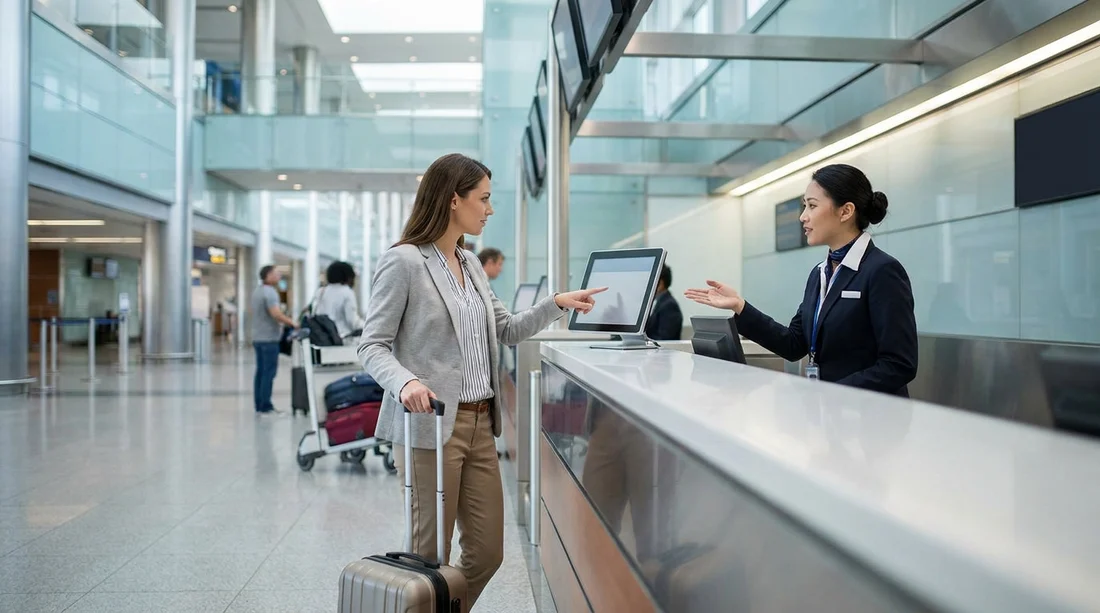
After entering the building, you will reach the main lobby and counter hall. This is the area most people mean when they ask where the desk is “inside” the centre. Look up first. Overhead signs typically list the brands and point to the correct bank of counters.
1) Check your supplier name. Your confirmation will show the brand that issues your agreement on site. That is the desk you need, even if you booked through Hola.
2) Use the overhead signage. Signs are designed for quick wayfinding, and brands are usually grouped logically along the same hall.
3) Identify the queue lanes. Many desks have roped lines and stanchions. If there is a separate “members” line, make sure you join the standard counter queue unless you know you qualify.
4) Ask at the information point if unsure. If you cannot spot your brand quickly, ask a member of staff in the lobby to point you to the correct counter.
If you are still deciding which vehicle category suits your San Francisco trip, you can compare options like minivan rental at SFO or the UK-focused page for minivan hire in San Francisco (SFO).
What to look for if you expect “Hola” branding
Some travellers expect a dedicated Hola counter sign. In most airport setups, including SFO, the desk is branded by the rental supplier rather than the booking site. That means you should look for the supplier logo and name from your confirmation.
If you have a printed voucher, it often includes supplier contact information and sometimes a short pickup instruction. If you only have it on your phone, consider taking a screenshot before leaving the terminal area, as mobile reception can vary inside large concrete structures.
Pre-pick-up checks that save time at the counter
Most delays at SFO happen at the desk, not on the journey there. To keep your counter visit brief, have these ready before you reach the front of the queue.
Driving licence: Ensure it is valid for the entire rental. If you are visiting from abroad, check whether you need an International Driving Permit alongside your licence.
Payment card: Many suppliers require a card in the main driver’s name for the security deposit. Have it ready, and confirm your card type is accepted.
Booking confirmation: Keep the reservation number accessible. If you booked your car hire at San Francisco (SFO) in advance, your confirmation should clearly show pickup details and the supplier name.
Additional driver details: If someone else will drive, have their licence details too. Adding drivers at the counter can add time, especially if the desk is busy.
Insurance understanding: Know what cover you already have and what you may need. If you are unsure, ask the desk to explain the options clearly, and take a moment to review any changes to the agreement before signing.
Common wrong turns at SFO, and how to avoid them
Mistaking the terminals for the rental facility: There are no full rental counters inside the arrival terminals for standard pickups. If you are still in the terminal, you are not yet in the Rental Car Center. Follow AirTrain signs.
Taking the wrong AirTrain line: The Red Line is the usual direct route to the Rental Car Center. If you realise you are on the Blue Line, check the map at the next stop and switch as needed.
Queueing at the wrong brand: At a glance, some counters look similar. Confirm the brand name above the counter matches your supplier before joining a long line.
Heading straight to the garage without the agreement: Some travellers walk toward the parking levels looking for a vehicle first. At SFO, you normally complete paperwork at the counter before accessing the cars.
Tips for different arrival scenarios
If you arrive late at night: Flight delays happen, and desk hours vary by brand. If you are landing very late, check your supplier’s expected hours on your confirmation and keep a note of what to do if the desk is closed. If you are continuing your journey elsewhere in Northern California, it can help to compare nearby options like car hire at San Jose (SJC) for future trips where your flight might be better timed.
If you have children or lots of luggage: Consider sending one adult ahead to locate the counter while the rest of the group stays together near the lobby entrance. It reduces crowding and makes it easier to pick the correct queue.
If you need an accessible route: Use lifts rather than escalators from the AirTrain platform into the lobby. The Rental Car Center is set up for accessibility, but the lift route can be slightly less obvious than the main escalator flow, so follow the accessibility signage carefully.
After the desk, how to reach your vehicle quickly
Once you have completed the agreement at the counter, staff will direct you to the correct level and aisle for vehicle pickup. Keep your paperwork to hand, as you may need to show it at the exit gate. Before you drive out, do a quick walkaround, check for obvious damage, and confirm you have the fuel policy clear.
FAQ
Is the Hola car hire desk inside an SFO terminal? No. Standard pickups are in the SFO Rental Car Center, reached by the free AirTrain, not inside the arrival terminals.
How do I know which counter to go to if I booked with Hola? Check your confirmation for the supplier name. Go to that brand’s counter in the Rental Car Center and provide your booking details.
Which AirTrain stop should I use for the rental counters? Use the AirTrain stop labelled “Rental Car Center”. From there, follow signs into the main lobby and counter hall.
What should I have ready before I reach the desk? Have your driving licence, payment card in the main driver’s name, and booking confirmation ready to speed up the counter process.
What if I cannot find the right counter in the hall? Use the overhead brand signage, then ask lobby staff to point you to the correct desk based on your supplier name.




























































































