


Quick Summary:
- Follow AirTrain signs from arrivals, then ride the Blue Line.
- Exit at the Rental Car Center and enter the shared hall.
- Use your desk or kiosk to confirm details and collect keys.
- Find your bay, inspect the vehicle, then drive out via exit lanes.
Online check-in speeds things up, but it does not change the basic flow at San Francisco International Airport. After you land at SFO, you still need to travel from your terminal to the Rental Car Center (RCC), complete the final identity and licence checks, collect keys or be assigned a vehicle, then walk to the correct parking level to drive out through the exit lanes.
This guide explains exactly where to go after online check-in, what signage to follow, and what to expect at each point, so you can move from arrivals to the driver’s seat with minimal confusion. For general context on car hire at the airport, see car hire at San Francisco Airport (SFO).
Step 1: Arrive, collect bags, and look for AirTrain signs
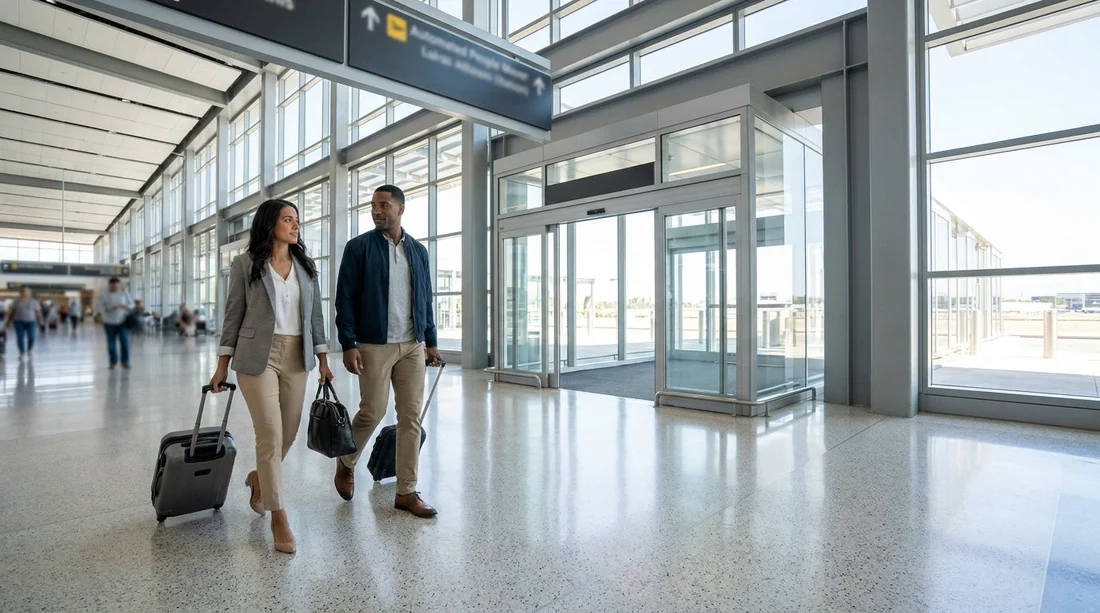
Whether you arrive on a domestic or international flight, your first goal is to reach the AirTrain station for your terminal. If you have checked luggage, collect it first, since the Rental Car Center is not in the terminal area. The signs you want usually read “AirTrain” or “Rental Cars”, and they point you towards an escalator or lift up to the AirTrain platforms.
Step 2: Take AirTrain, Blue Line to the Rental Car Center
SFO’s Rental Car Center is served by AirTrain, an automated people-mover that runs frequently. For rental cars, you typically need the Blue Line, which serves the Rental Car Center and parking facilities. On the platform, confirm you are boarding an AirTrain that stops at “Rental Car Center”. The airport wayfinding is clear, and the stop name is announced on board.
Practical tip: keep your confirmation, driving licence, and payment card somewhere accessible. Online check-in often means your details are already in the system, but you may still need to present documents at a desk, kiosk, or at the vehicle exit gate.
Step 3: Enter the Rental Car Center hall and find your company’s desk or kiosk
When you get off at “Rental Car Center”, you will enter a shared building where multiple providers operate. The layout is designed for flow: you come in from AirTrain, then you locate your brand’s service point, then you head to the lifts and ramps leading to the parking levels.
If you booked through a comparison or broker, check your voucher for the exact supplier name, as it may differ from the brand you searched initially. If you are still deciding what type of San Francisco car hire suits your trip, you can compare options on car rental at San Francisco SFO before you travel.
Step 4: Complete the final check at a desk, kiosk, or expedited counter
Online check-in generally reduces counter time, but your next step depends on how the supplier handles digital check-in at SFO:
Desk queue: Some customers must still visit the counter for a licence check, deposit authorisation, and to receive keys. If you see an “Express” or “Skip the counter” line, it may be for travellers who completed online check-in and meet specific requirements.
Self-service kiosk: Kiosks typically ask you to confirm your reservation, scan a driving licence, and verify payment details. At the end, you may receive a printout, a bay number, or be directed to a key collection point.
Membership or fast-track: If your supplier offers a member programme, you might be able to head directly to a designated aisle where a car is assigned, then show documents at the exit gate. Even then, do not skip the RCC building unless your supplier’s instructions explicitly say so for SFO.
Be ready for a few common questions: additional drivers, toll options, fuel policy, and the expected return time. If you want to keep costs predictable, it can help to understand what is included with cheaper packages. A useful reference point is budget car rental at San Francisco SFO, which typically highlights value-focused inclusions and constraints.
Step 5: Collect keys or a bay assignment, then go to the correct parking level
Once you have completed the desk or kiosk step, you will either receive physical keys, be sent to a key cabinet, or be given an aisle and bay number. Follow the internal signs and go to the lift, stairs, or ramp to the parking garage levels. The RCC car park is structured by levels and zones, and each supplier has its own area.
Keep your paperwork handy, because you may need to show it to locate the right aisle, especially if staff are directing traffic during busy periods.
Step 6: Find the vehicle, do a quick inspection, and set up before driving
At the vehicle, match the registration plate or stock number (if listed) to your documents. Before you drive off, take two minutes to inspect for existing damage, confirm the fuel or battery level matches the agreement, and adjust your seat and mirrors.
Step 7: Drive to the exit lanes, present documents if requested, then follow airport road signs
The exit lanes are clearly marked. Pull up to the gate, where you may need to show your rental agreement, driving licence, or the card used for payment. Some exits also scan a barcode on your paperwork. Once the barrier lifts, follow SFO road signs for “Exit Airport” or for your direction of travel.
Common issues after online check-in, and how to avoid them
You checked in online but still had to queue: This is normal if the supplier requires in-person verification, if your card needs manual authorisation, or if you have an international licence that triggers additional checks. Arriving at quieter times can reduce waiting, but SFO peaks can still create lines.
Your reservation shows one supplier, the desk shows another name: Some rentals are fulfilled by partner brands. Always follow the supplier name on your voucher for the correct desk location.
You cannot find your car in the garage: Go back to the desk or information point with your bay assignment. Occasionally the assigned bay changes due to cleaning, maintenance, or vehicle swaps.
If you are comparing airport pickup with other Bay Area airports for car hire, you can also review alternatives such as car hire at San Jose SJC, which may suit some itineraries depending on where you are staying.
FAQ
Where do I go after online check-in at SFO to pick up my rental car? Go from arrivals to the AirTrain, take the Blue Line to the “Rental Car Center”, then use your supplier’s desk or kiosk to collect keys or a bay assignment.
Do I need to go to the Rental Car Center even if I checked in online? Yes, in most cases you still go to the Rental Car Center at SFO, because that is where keys, vehicle assignment, and the exit gate process are handled.
How do I know whether to use a desk or a kiosk? Follow your voucher and the signs for your supplier inside the Rental Car Center. If kiosks are available for your booking, staff and signage usually direct you there.
What should I have ready at the kiosk or counter? Bring your driving licence, payment card, reservation details, and the name of any additional drivers. You may also be asked to confirm your return time and fuel preference.
What happens at the exit lanes? You drive to the marked exit booth, where staff may check your agreement and licence, then raise the barrier. After that, follow SFO road signs to leave the airport and join local routes.




























































































