


Quick Summary:
- Follow “Rental Cars” signs to the AirTrain Red Line platform.
- Ride AirTrain to “Rental Car Center”, then find your supplier lobby.
- Check your voucher for brand, pick-up time, and location line.
- Keep lead driver name and confirmation number ready at the counter.
San Francisco International Airport (SFO) is designed so most car hire brands operate from the dedicated Rental Car Center rather than from individual terminals. That is convenient once you are in the right place, but it can feel confusing if you land tired, have luggage, or are switching terminals. The fastest way to find the correct car hire desk is to treat it like a checklist: follow the official airport signs to the Rental Car Center, confirm your provider and booking details, then enter the correct area inside the facility before joining any queue.
If you are collecting a vehicle arranged through Hola Car Rentals, start with the pick-up instructions and supplier name shown on your confirmation. For SFO-specific guidance, car hire at San Francisco Airport (SFO) explains what to expect at the airport facilities and pick-up flow.
1) Know what “Rental Car Center” means at SFO
SFO’s Rental Car Center is a separate complex where most major suppliers have their service desks and vehicle pick-up areas. You do not usually walk straight out of Arrivals into a car hire office. Instead, you travel from your terminal to the centre using the airport’s AirTrain system, then walk into the correct desk area for your supplier.
Before you move anywhere, take 30 seconds to open your booking confirmation and note three items: the supplier brand, the reservation (confirmation) number, and the pick-up time. These three details are what desk staff and signs most commonly reference, and they help you avoid queueing at the wrong counter.
2) Follow the right signs from your terminal, then choose the correct AirTrain
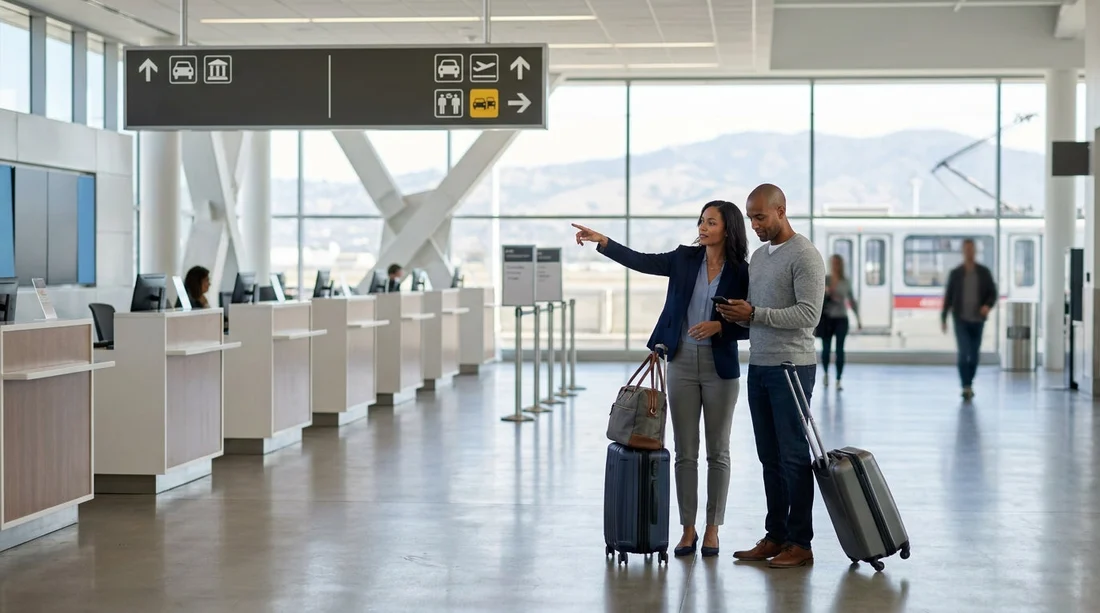
After baggage reclaim, look for overhead wayfinding that reads “Rental Cars” or “AirTrain”. At SFO, AirTrain connects all terminals and also stops at the Rental Car Center. You are aiming for the AirTrain station, not for a ground transport kerb where hotel shuttles and rideshares run.
AirTrain has colour-coded lines. For the Rental Car Center, you typically use the Red Line. Stations and platforms are clearly labelled, but it is still worth double-checking the line colour on the signs just before you go up to the platform, especially if you are coming from an international arrival and have walked through multiple corridors.
3) Get off at the correct stop, then orient yourself inside the building
When you exit at “Rental Car Center”, follow the pedestrian route into the facility. The centre is built to handle high volumes, so it has multiple entrances and a large internal layout. Your goal is to locate the supplier desk area first, then the queue, then the correct desk.
Inside, look for tall, high-contrast signs listing supplier names. Do not rely on memory of logos alone, because some brands have similar colours, and desk areas can be adjacent. Instead, match the exact supplier name on your confirmation to the sign above the desk bank.
If you booked a specific category, such as a people carrier for family travel, it can help to confirm whether your supplier directs you to a particular area for vehicle allocation. Hola’s overview of larger vehicles at SFO, including minivan rental in San Francisco (SFO), is useful context for what you may be asked at the desk when demand is high.
4) Check these booking details before joining any queue
The most common reason travellers end up at the wrong desk is a mismatch between the brand they expected and the brand actually supplying the rental. This can happen when a booking platform shows a familiar logo, but the fulfilment brand on the voucher is different. Before you queue, compare the desk signage with these booking fields:
Supplier (brand) name: This must match exactly. If your voucher says Alamo, go to Alamo, not a nearby partner.
Pick-up location: It should state San Francisco Airport, SFO, and often “Rental Car Center”. If it lists a city location instead, stop and re-check the booking, because downtown pick-ups are separate from the airport.
Pick-up time and date: Late arrivals can change the desk process, especially if you land after peak evening waves. Having the correct time visible helps staff find your reservation faster.
Reservation number and lead name: The reservation is usually filed under the primary driver’s name. If you booked for someone else, the desk may need the lead name plus the confirmation number to locate it quickly.
If you already know your supplier, it can be helpful to read supplier-specific notes ahead of travel. For example, Hola’s pages for Alamo car hire at San Francisco (SFO) and Avis car hire at San Francisco (SFO) outline what travellers commonly need at the counter, which can reduce back-and-forth once you reach the correct desk.
7) Tips for getting served quickly once you reach the correct desk
Finding the right desk is only half the battle. These habits help you complete the counter process efficiently:
Have documents ready: Keep your driving licence, payment card, and confirmation number accessible. If you are travelling internationally, also keep your passport handy in case it is requested.
Know your planned use: Staff may ask about mileage needs, toll roads, and additional drivers. A clear answer speeds the interaction.
Confirm vehicle location instructions: After the desk, you will be directed to a level or zone for vehicle pick-up. Repeat the zone back to the agent to avoid walking the wrong direction.
Check the car before leaving: Do a quick walk-around, confirm fuel policy, and ensure you understand how to exit the facility. This prevents a return to the desk after you have already found it.
For broader planning across the airport, Hola’s San Francisco (SFO) car hire page summarises options and helps you align your reservation details with what you will see on-site.
FAQ
How do I get from SFO terminals to the Rental Car Center? Follow signs for “AirTrain” and “Rental Cars”, then take the AirTrain Red Line to the “Rental Car Center” stop and walk inside to the desks.
What booking detail most helps me find the right car hire desk? The supplier brand name on your voucher matters most, followed by your confirmation number and the lead driver’s name used on the reservation.
Can I walk to the Rental Car Center from the terminal? For most travellers, the practical route is AirTrain. The centre is separate from terminals, and signage is designed around using AirTrain to reach it.
What if I queue at the wrong counter by mistake? Leave the queue as soon as you notice the brand mismatch, then use the overhead supplier signs to locate the correct desk area and re-join the right line.
How early should I start heading to the car hire desks after landing? Build in time for baggage reclaim and the AirTrain ride. At busy periods, allow extra time for queues so you still reach the desk near your scheduled pick-up time.




























































































