


Quick Summary:
- Read the “or similar” clause and assume features can vary.
- Choose newer categories and request CarPlay or Android Auto clearly.
- Before pickup, ask for VIN-based confirmation or a specific model.
- At the counter, inspect the infotainment screen and test USB pairing.
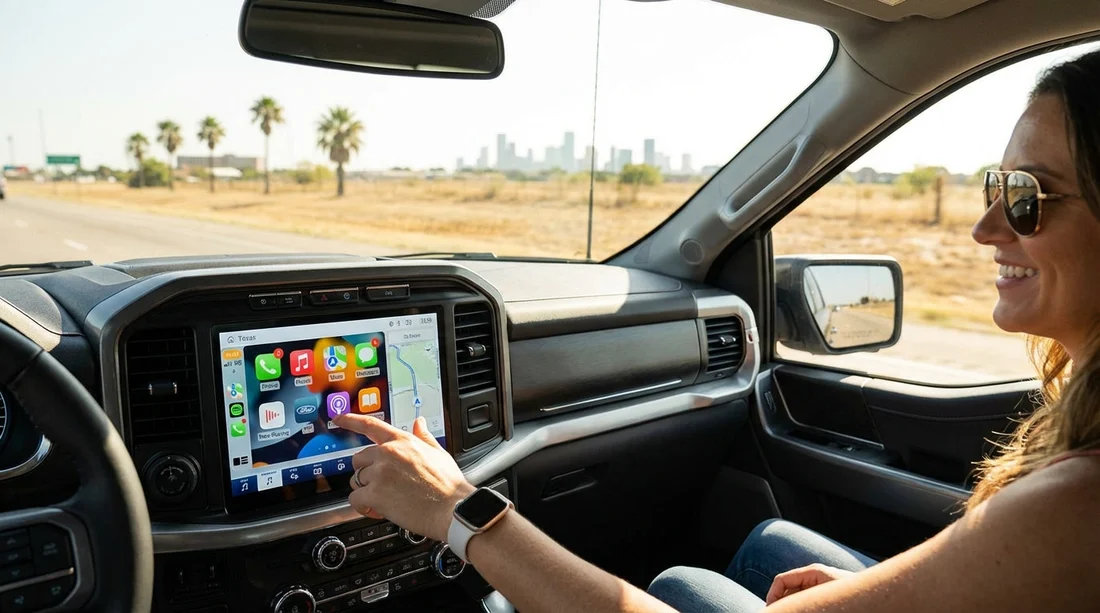
Apple CarPlay and Android Auto can make a Texas road trip simpler, especially if you rely on hands-free calls, familiar navigation, and your usual music apps. The challenge is that many rental listings show a vehicle image that is “or similar”, and infotainment features are not always guaranteed. With car hire, you are often reserving a category, not a specific car, so two vehicles in the same class can have different trims, screens, and connectivity options.
This guide sets expectations and gives you practical ways to improve your chances of getting CarPlay or Android Auto, plus what to ask before you arrive and what to check at the counter if it matters to you.
Why “or similar” makes infotainment hard to guarantee
Most rental fleets are organised by class, such as economy, midsize, full-size, SUV, or van. The “or similar” language means the provider can supply any car that meets the class definition, like number of seats, luggage capacity, and transmission type. Infotainment systems are treated as a secondary feature, and trims change frequently between model years.
Even within one model, CarPlay or Android Auto might be standard on one trim and optional on another. Some cars support only wired connections. Others support wireless, but only after a software update. For car hire in Texas, where vehicles can rotate between airports and city locations, it is realistic to treat CarPlay and Android Auto as a preference rather than a promise unless it is explicitly confirmed in writing.
Step 1: Start with the right car category
Your best odds come from choosing categories that tend to have newer model years and higher trim levels. In general, basic economy and compact categories are most likely to vary, while premium, full-size, and many SUVs often include more modern infotainment.
If CarPlay or Android Auto is essential, consider selecting a category where newer vehicles are common, such as an SUV class, rather than the lowest-price class where older cars may appear more often. For travellers arriving at major airports, inventory is usually broader, which can help you find a better match at pickup. If you are comparing pick-up points, review location pages such as car hire at Houston IAH and car rental at Austin AUS to understand the types of vehicles commonly available at those hubs.
Step 2: Check what the listing actually promises
Before you finalise a reservation, look for any mention of “Apple CarPlay”, “Android Auto”, “Bluetooth audio”, “USB”, or “infotainment touchscreen” in the included features. If the page only shows a generic image and lists basics like air conditioning and automatic transmission, you should assume CarPlay or Android Auto is not guaranteed.
Also watch for wording like “may include” or “subject to availability”. That language usually means the feature is common but not assured. When comparing offers, prioritise the listing with the most explicit feature description, even if the vehicle image looks the same.
Step 3: Put the request in the right place
Many drivers add a note such as “need Apple CarPlay” in a general comments box. It can still help, but it is not always routed to the branch team early enough to influence vehicle allocation. If your booking flow offers a specific option or preference field for connectivity or infotainment, use that. If it does not, use the comments box but keep it short and unambiguous, for example: “Apple CarPlay or Android Auto required. Wired acceptable.”
If you have flexibility, add what you can compromise on. For instance, if you can accept Bluetooth audio and a phone mount if CarPlay is unavailable, state that. Staff can sometimes find a practical alternative, but only if they know the priority is navigation and hands-free use, not the brand name itself.
Step 4: Ask for pre-pickup confirmation the realistic way
It is often difficult for a branch to promise a specific feature days in advance, because the exact vehicle on the lot changes with returns, cleaning, and maintenance. The best approach is to ask for a confirmation method rather than a simple yes or no.
1) “Can you confirm whether the allocated vehicle supports CarPlay or Android Auto?” If they cannot allocate yet, ask when allocation typically happens.
2) “If you can’t confirm now, can you note my booking for CarPlay or Android Auto at check-in?” You want the preference visible to the counter team.
3) “Is the connection wired only, or wireless?” This matters if you do not carry a suitable cable.
4) “Can you confirm USB-A or USB-C ports in the front?” Some vehicles have USB-C only, which affects cable choice.
When you pick up from a high-volume airport location, stock tends to be more varied, which can improve your odds of a match. Pages like car hire in Houston IAH can be a useful reference point when you are comparing airport options in Texas.
What to ask at the counter if it matters
The counter is the moment you can convert a preference into a practical check, because a staff member can often see the exact vehicle assignment or offer alternatives if the lot has choices.
Keep your request polite and specific:
“I need Apple CarPlay or Android Auto for navigation. Can we confirm this vehicle has it before I sign?”
If the agent is unsure, ask one of these follow-ups:
“Can you check the VIN notes or the vehicle’s trim level?” Some systems show trim or option codes that indicate connectivity packages.
“Is there another car in the same class with CarPlay?” This frames the request as a swap, not an upgrade demand.
“If we switch cars, can we keep the same price and category?” Clear pricing expectations reduce friction.
If you are renting a larger vehicle, such as an SUV for family travel, it can be worth choosing categories where modern infotainment is more common. See SUV rental in Texas for an example of where shoppers often prioritise comfort and tech alongside space.
How to confirm in the car before you drive away
Do not rely on the presence of a touchscreen alone. Some screens support only the manufacturer’s system, and CarPlay or Android Auto may require enabling a setting. Before leaving the car park, run a quick two-minute check.
1) Look for the app icon. Many systems show a “CarPlay” or “Android Auto” tile when a phone is connected. Some show it only after the first connection.
2) Test a wired connection. Plug your phone into the front USB port. Use your own data-capable cable, since charge-only cables are common.
3) Approve prompts on your phone. iPhones will ask to allow CarPlay while locked. Android may ask for permissions.
4) Check audio routing. Start navigation and play music briefly to confirm sound works through the car speakers.
If it does not work, return to the counter promptly. The longer you wait, the harder it is to document that the feature was missing at pickup rather than later due to settings changes.
Common pitfalls that cause “it doesn’t work”
Sometimes the car has CarPlay or Android Auto, but one small detail blocks it. Typical issues include:
Wrong USB port: Some vehicles have one data port and one charge-only port, often in a centre console.
Cable problems: Frayed cables or charge-only cables will prevent a connection. Carry a spare if it matters.
Bluetooth confusion: Bluetooth pairing is not the same as CarPlay or Android Auto. You often need USB first.
Disabled settings: Fleet vehicles may have restricted settings after resets. Ask staff to help enable the feature.
Wireless expectations: Many cars offer only wired CarPlay or Android Auto, especially in older model years.
FAQ
Can a rental company guarantee Apple CarPlay or Android Auto? Usually only if it is explicitly listed as a guaranteed feature for that booking. With “or similar” fleets, the class is guaranteed, but infotainment often is not.
Is CarPlay the same as Bluetooth audio? No. Bluetooth lets you play audio and take calls, while CarPlay and Android Auto mirror supported apps and provide a richer navigation interface on the car screen.
What should I bring to make CarPlay or Android Auto more likely to work? Bring a data-capable cable, ideally both USB-A and USB-C options, plus a spare. Also ensure your phone software is up to date and that Siri or Google Assistant is enabled.
What if the car has CarPlay, but only wired, and I expected wireless? Wired connections are common in car hire fleets. If wireless matters, ask about wired versus wireless before pickup and be prepared to use a cable.





























































































