


Quick Summary:
- Confirm your card supports chip-and-PIN and fast terminal approvals.
- Enable international and travel payments in your banking app beforehand.
- Carry a second credit card in the main driver’s name.
- Arrive with phone signal, battery, and app access ready.
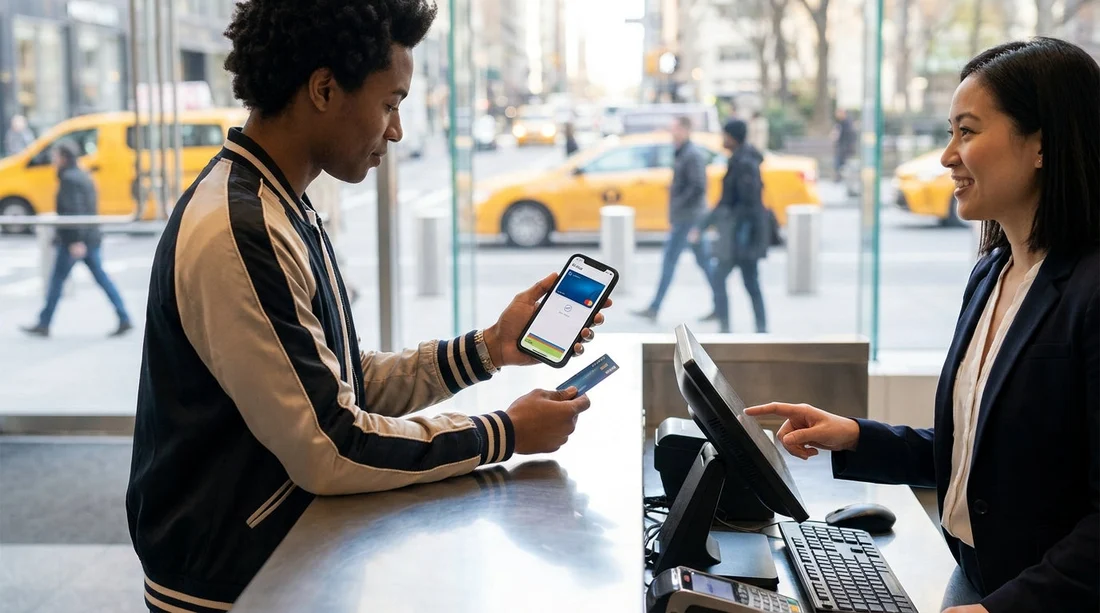
App-based approvals are common now, especially with banks that push instant fraud checks, location-based security, or “approve in app” prompts for higher-value transactions. For car hire in New York, that can become a problem at the rental counter because the payment process often includes a security deposit pre-authorisation, plus the rental charges, and both need to be approved quickly on a card terminal. If your bank requires you to open an app, confirm a notification, or complete a one-time passcode step that cannot be delivered, the payment can fail even when you have plenty of available credit.
The key point is that rental desks do not usually have the time or flexibility to keep reattempting transactions while you troubleshoot app logins, roaming issues, or delayed verification prompts. They may also have policies that limit how many times they can attempt a pre-authorisation. Preparing your card and your phone before you arrive makes approval far more likely, and it reduces the chance of being turned away due to payment delays.
Pickup location matters too, because airport desks can be busy and less tolerant of delays, while off-airport desks may still run the same deposit checks but have slightly different workflows. If you are collecting around the JFK area, you can check practical pickup details and expectations on pages like car rental New York JFK or, if you are comparing supplier options, Thrifty car rental New York JFK.
Why app approval can fail at the rental counter
Many app-first banks and some traditional banks use dynamic security. They may require an approval prompt whenever a transaction looks unusual, for example a higher amount, a merchant category like vehicle rental, or a different country. With car hire, the deposit pre-authorisation is often the trigger because it can be a sizeable temporary hold, and it may not match your usual spending pattern.
1) The terminal needs an immediate response. The card terminal expects approval within seconds. If your bank delays the authorisation until you respond in the app, the terminal can time out and the attempt is recorded as failed.
2) Push notifications do not arrive. Travellers can land with no data roaming, no Wi-Fi, or restricted signal in an airport building. If your bank depends on push notifications, you might not even see the prompt in time.
3) The bank blocks “unattended” or “offline” verification. Some terminals process pre-authorisations in a way that does not play nicely with certain card security settings. A card that works fine online can still be rejected in a deposit hold scenario.
4) App access fails. If you need to re-authenticate, reset a password, or update the app, you may need SMS verification. If your UK number cannot receive texts abroad, you can be stuck.
How deposits and pre-authorisations affect approval
For car hire in New York, you should plan for two related card events. First is the rental charge itself. Second is a separate pre-authorisation for the security deposit. The deposit is not a fee, but it temporarily reduces your available credit until it is released after you return the vehicle, subject to final checks and any additional charges.
App approval friction tends to show up on the deposit step, because the hold can be larger than the headline rate. If your available credit is tight, even a successful deposit hold can push you close to your limit and create further declines. This is why a card that “usually works” in shops can still struggle at the counter.
Different pickup points can also mean slightly different deposit expectations and workflows. If you are collecting in the wider New York and New Jersey area, it can help to understand the desk environment and timing at major hubs. See car rental airport New Jersey EWR for context if you are arriving into Newark and travelling into New York afterwards.
What to do before you travel, so the card is accepted
If your credit card “needs app approval” sometimes, you can still often use it for car hire in New York, but only if you set yourself up to approve quickly and reliably. Focus on removing anything that could slow or block authorisation.
Enable travel and international usage in the app. Some banks offer a travel setting, others just need “international transactions” enabled. If your card was issued outside the US, make sure overseas payments are allowed.
Make sure your app login works offline. Log in before you fly, update the app, and confirm you can access it without needing an SMS code. If your bank supports authenticator methods, set them up in advance.
Arrange reliable data on arrival. Consider an eSIM or roaming plan so push notifications arrive instantly. Airport Wi-Fi can work, but it is not always stable at the exact moment you are at the counter.
Check your available credit headroom. Leave room for the deposit hold plus the rental charges. If you have a low-limit card, a second credit card can prevent a last-minute problem.
What to do at the counter if the terminal requests app approval
Even with preparation, your bank may still trigger an in-app check. The goal is to respond quickly and keep the authorisation attempt clean.
Open your banking app before you reach the desk. If there is a queue, use that time to confirm you are logged in and notifications are enabled.
Keep your phone powered and unlocked. A low battery or a restart can force re-authentication right when you need it most.
Approve immediately, then ask for a fresh attempt if needed. If the first attempt times out, approvals sometimes apply to the next authorisation rather than the previous one. Rental staff can reattempt, but do not assume they will do it many times.
Avoid changing cards mid-process. Switching between cards can complicate verification and may not be allowed, especially if the booking is linked to the main driver’s details. It is better to pick the strongest credit card option first.
Credit card only means no fallback, so bring redundancy
If you are restricted to credit card only, redundancy is your friend. The simplest safety net is carrying a second credit card in the main driver’s name from a different bank. That reduces the chance that the same security model blocks both cards at the same time.
Also consider that some supplier desks have particular preferences around card type, name matching, and pre-authorisation behaviour. If you are comparing options around JFK, pages such as minivan rental New York JFK can be useful for understanding vehicle class choices that may change the deposit level.
Finally, remember that a card can be “accepted” in theory but still be declined in practice if the bank cannot complete its security step in time. That is why phone readiness, app access, and credit headroom matter as much as the card brand on the front.
How to reduce the chance of a decline with app-first banks
Turn on real-time notifications and transaction approvals. Make sure the app is permitted to send notifications, and that your phone is not in a focus mode that hides them.
Disable strict security modes temporarily, if your bank allows it. Some apps have settings like “only allow online payments” which can interfere with some terminals.
Carry ID that matches the booking. Any mismatch can cause staff to stop the process before payment is even attempted.
Arrive with time buffer. If a payment issue occurs, time pressure makes it worse. Leaving extra time helps you resolve approvals without rushing.
FAQ
Will Hola car hire in New York accept a credit card that needs app approval? Often yes, but only if the bank can approve the deposit pre-authorisation instantly. If the app prompt cannot be completed quickly, the transaction may be declined at the terminal.
Why does my card work in shops but fail for car hire deposits? Car hire usually includes a larger pre-authorisation hold, which triggers stricter fraud checks. The terminal may also time out if your bank waits for app confirmation.
What is the best preparation to avoid payment delays at pickup? Enable international payments, confirm app access without SMS, ensure reliable data on arrival, and keep plenty of available credit for the deposit hold.
Can I use two credit cards, one for the rental and one for the deposit? Many desks prefer the same credit card for both, in the main driver’s name. Bringing a second card is still sensible as a backup if the first card fails.
What should I do if the app approval prompt arrives after the terminal declined? Approve the prompt anyway, then ask staff to run a new authorisation. The approval can sometimes apply only to a fresh attempt.

























































































