


Quick Summary:
- E-signatures are widely accepted at many California car hire pick-up counters.
- You may still need initials for coverage, fuel options, or drivers.
- Bring your physical driving licence and a matching payment card.
- If systems are offline, paper contracts may be required, allow extra time.
E-signatures are widely accepted for car hire agreements at pick-up in California, but the exact process depends on the rental brand, the location, and the technology available on the day. Many counters now use a signature pad, tablet, or kiosk to capture your signature electronically, then email or print the agreement. However, you may still be asked to initial specific sections, confirm add-ons separately, or sign a paper copy if the system is offline, a printer is required for local procedures, or an audit trail needs a wet signature.
The best approach is to assume e-signing will be offered, while preparing for a short paper process just in case. That way you avoid delays at busy airport counters, and you are less likely to feel rushed when confirming coverage and charges.
How e-signing typically works at the counter in California
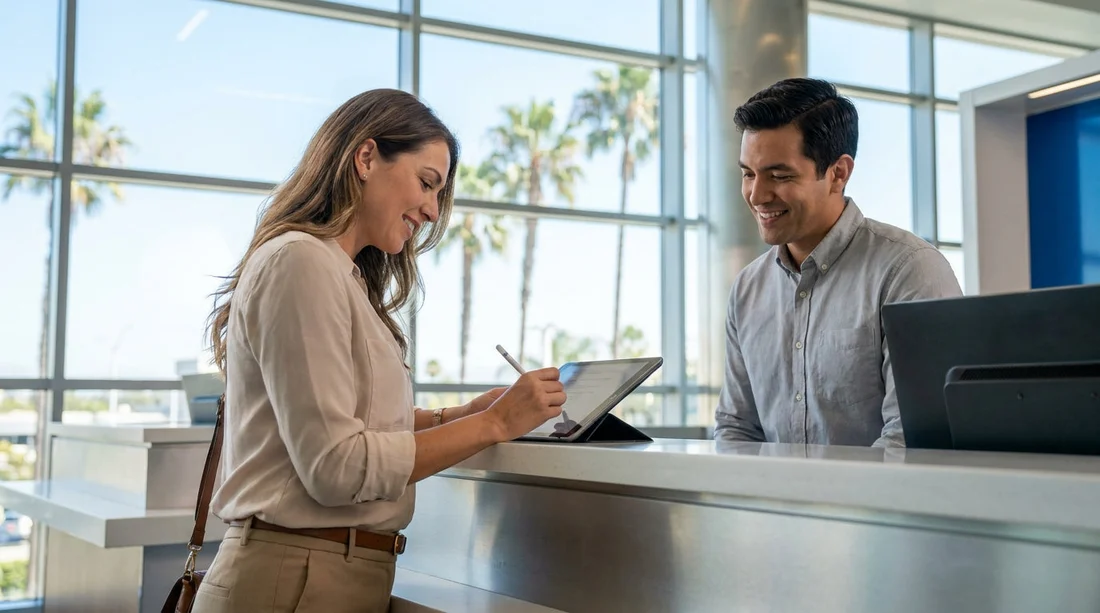
At many California locations, the counter agent will pull up your reservation and then present the rental agreement on a screen. You will review key terms such as the estimated total, deposit or hold amount, included mileage, authorised drivers, fuel policy, and return instructions. When you are happy, you sign on an electronic pad or tablet using your finger or a stylus. The system timestamps the signature and attaches it to the contract.
Often you can choose to receive the agreement by email, or you may get a printed summary. If you are collecting at a major airport, this tends to be quick, but queues can still build at peak times. If you are travelling through Los Angeles, it can help to know the pick-up flow in advance for car rental at LAX, where off-airport shuttles and counter volume can influence how long the final signature step takes.
Some brands also offer a pre-check-in step where you confirm details online before arrival. Even with pre-check-in, you should expect to sign again at pick-up, because the final agreement usually needs to reflect the exact vehicle issued, final options, and the card presented.
What you may still need to initial, even with an e-signature
An e-signature does not always replace every acknowledgement on the agreement. In California, rental desks commonly ask for extra initials or tick-box confirmations for items that change your cost or liability. These can appear as separate screens on a tablet, or as short printed pages that you initial and hand back.
Insurance and protection products. If you accept or decline a collision damage waiver, loss damage waiver, supplemental liability, personal accident coverage, or roadside assistance, you might be asked to initial each choice. This is meant to show a clear record of what you agreed to, especially if you decline coverage.
Fuel policy and refuelling options. Prepaid fuel, a refuelling service charge, or confirmation that you will return the car full can be presented as a separate acknowledgement.
Additional drivers and age-related terms. If there is a young driver fee or an extra driver is added, the contract may require a specific acknowledgement.
Damage reporting and condition statements. Some locations present a brief statement about reporting damage, checking the vehicle at pick-up, and taking photos if you wish.
Even when everything is digital, read each screen slowly. If anything differs from what you expected, ask for clarification before you sign.
When paper signing may still be required
Paper contracts still happen in California, and not only at smaller branches. The most common reasons are practical, not legal: the signature pads fail, the kiosk is offline, the branch is temporarily switching systems, or the agent needs a printed agreement for local procedures. Some customers also prefer paper for readability, and the agent may accommodate that.
If you are picking up at an airport with high throughput, small delays can compound. For example, if you are collecting in San Diego, knowing where to go and what to have ready can help reduce counter time for car hire at San Diego Airport.
How to avoid delays at pick-up, whether e-signing or paper
A smooth pick-up is usually about preparation rather than the signature format. The counter needs to verify identity, confirm payment, and record who is taking responsibility for the vehicle.
Your driving licence and any required permit. Bring the physical licence. Even if a system allows pre-uploading, most agents still need to see the original.
The payment card you will use for the deposit or hold. A large portion of pick-up delays come from card issues, name mismatches, or insufficient available funds for the deposit. Ensure the card matches the main driver name on the reservation.
Decide on coverage before you arrive. If you plan to rely on a third-party policy or a credit card benefit, be ready to explain it calmly, and understand the rental company may still present their own waiver options to accept or decline. Making the decision in advance avoids a slow back-and-forth at the counter.
Allow extra time at peak arrival waves. Early afternoons, weekends, and holiday periods can be busy. E-signing is quick, but queue time is still queue time. At large hubs like San Francisco, volume can be high, especially if you need a larger vehicle class. If that applies, it is useful to review expectations for van rental at San Francisco SFO, where group travel often means more counter questions about drivers and coverage.
What to check on the agreement before you sign
Whether you sign electronically or on paper, take a moment to verify the essentials. Most disagreements later come from simple mismatches. Focus on the items that affect what you pay and what you are responsible for.
Check that the main driver name is correct, the pick-up and return dates and times match, and the location codes are right. Confirm the vehicle class and, if listed, the vehicle registration or unit number. Review the estimated total and the breakdown of taxes and fees. Confirm the fuel policy and any prepaid fuel selection. Make sure any extras you did not request are removed, such as toll devices, GPS, child seats, or additional coverage.
If you are collecting through a brand-specific desk at a busy airport, you may see slightly different workflows. For example, those picking up with National at LAX may find the digital steps vary by terminal area and day. It can help to be familiar with National car hire in California at LAX so you know what documents and confirmations are typically requested.
Does an e-signature change your legal responsibility?
In practical terms, no. When you e-sign the car hire agreement, you are agreeing to the same obligations as you would with ink. The key difference is the format of the signature and the delivery method for the contract copy. You should still expect to be held responsible for the vehicle during the rental period under the terms you accepted, including fuel, damage responsibilities, and return conditions.
Because e-signing can feel fast, it is easy to sign without reading. Treat the digital agreement with the same care you would give a paper document.
FAQ
Is an e-signature accepted on rental agreements at California car hire pick-up? Yes, e-signing is commonly accepted, and many counters use pads, tablets, or kiosks to capture signatures electronically.
Will I still need to initial anything if I e-sign? Often yes. You may need to initial or confirm separate items like coverage choices, fuel options, toll products, or additional drivers.
What should I bring if I already completed online check-in? Bring your physical driving licence and the payment card in the main driver name, plus your reservation details in case the desk needs to verify them.
Why would a California rental desk ask for a paper signature? Paper may be required if the e-sign device is down, the system is offline, the contract was modified at the counter, or local procedures require a printed copy.
How can I avoid delays at the counter? Decide on coverage in advance, ensure your card can cover the deposit hold, check your details match the reservation, and allow extra time at peak airport periods.

























































































