


Quick Summary:
- Most Florida rental counters take credit cards without requiring a PIN.
- A PIN is more common with debit cards than credit cards.
- Ensure the main driver’s card matches the reservation name exactly.
- Bring a backup credit card to prevent deposit approval delays.
If you are collecting car hire in Florida and paying at the counter, the short, practical answer is that you usually do not need a PIN for a credit card. Most US rental counters process credit cards using chip-and-signature or contactless verification, and a PIN prompt is uncommon for credit transactions. Where people get delayed is when a card behaves like a debit card, when the bank blocks the authorisation, or when the rental agent must follow strict name and cardholder rules.
This guide explains when a PIN is and is not required at US rental counters, what to expect when paying for Hola car hire at pick-up in Florida, and how to prepare so you can complete payment and the security deposit smoothly.
How payment normally works at Florida rental counters
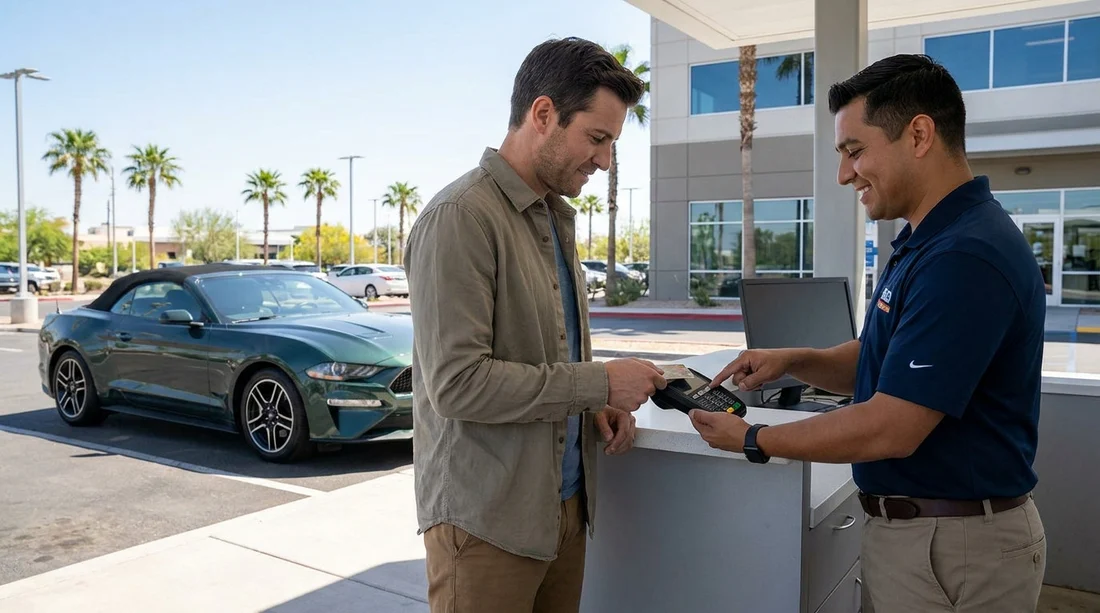
At major Florida airports and city locations, payment for car hire is usually taken as a card-present transaction. The agent will insert or tap your card, confirm the renter details, and request an approval for the rental charges and a separate security deposit authorisation. For credit cards, this is typically verified without a PIN.
Even when a terminal shows a keypad, it may still default to signature or no-signature verification for credit cards issued outside the US. That can look confusing if you are used to chip-and-PIN at home. In many US environments, chip-and-PIN is more common for debit cards than for credit cards.
When a PIN is not required for credit card payments
In most cases, you will not need a PIN if you are paying with a standard credit card (Visa, Mastercard, or similar) issued by a bank that supports international travel and car rental deposits. The rental agent will run it as a credit transaction, and your bank will approve or decline based on fraud controls and available credit.
You are also unlikely to need a PIN if you have already paid a portion online and are only paying the balance at pick-up. The remaining balance and the deposit are still usually processed as credit authorisations without a PIN.
Many travellers pick up in Miami, for example, and never enter a PIN. If you are comparing locations, you can review pick-up details for Miami Airport car hire or see a broader overview of car rental in Miami to understand typical counter expectations.
When a PIN might be required, and why
While it is uncommon for credit cards, there are a few scenarios where a PIN request can appear, or where the situation is effectively treated like a debit transaction.
1) You are using a debit card. Debit cards often require PIN entry in the US. Some rental counters also apply different rules for debit cards, such as additional identity checks, proof of return travel, or higher deposit holds. If your plan is credit-card-only pick-up, avoid switching to a debit card at the last minute.
2) Your card is a hybrid product. Some cards look like credit cards but route transactions in a way that can prompt for a PIN. This is more likely with certain prepaid or travel cards. If your card supports both credit and debit rails, the terminal may attempt a debit path depending on settings.
3) The terminal prompts for a PIN, but it is optional. Occasionally the keypad prompts appear by default. The agent may be able to bypass the prompt, select credit, or continue without PIN. If you do not know the PIN, say so straight away and ask if it can be processed as credit.
4) Extra verification due to bank security. Some banks require step-up verification, such as app approval, for unfamiliar high-value authorisations. That is not a PIN issue, but it feels similar because the transaction pauses until you approve it.
How to avoid payment delays with credit-card-only pick-up
If your aim is a clean, credit-card-only pick-up in Florida, preparation matters more than memorising a PIN.
Check the cardholder and driver details match
The main driver should present a credit card in their own name. If the reservation name and the card name do not match, the agent may refuse the card, request the reservation be reissued, or require the cardholder to be present and added as a driver, subject to the rental rules.
This is one of the most common reasons travellers end up switching cards, which can trigger a debit payment path and therefore a PIN requirement. Keeping the renter details aligned helps your credit card be accepted as intended.
Tell your bank you are travelling, and keep your phone handy
Many declines at Florida rental counters happen because the bank blocks a large authorisation. Car hire deposits can be sizeable, especially for larger vehicles, premium categories, or young driver scenarios. Before travel, check that international card-present transactions are enabled, and ensure you can receive app prompts, SMS codes, or calls.
If Tampa is your arrival point, the location guide for Tampa Airport car rental is useful for planning arrival timing and counter queues.
Bring a backup credit card, even if you plan not to use it
A backup credit card is the simplest way to protect your schedule. If the first card is declined due to fraud controls, insufficient available credit, or a network issue, the second card can be used immediately. This avoids a scramble to find a PIN for a different card type or the need to switch to debit.
Make sure the backup card is also in the main driver’s name, and that it has enough available credit for both rental charges and the deposit hold.
Understand how deposits and holds work
The deposit is not the same as the rental price. The counter will typically place a temporary authorisation hold, which reduces your available credit until it is released after return. If your card is close to its limit, the authorisation can fail even if the rental cost itself is affordable.
This is especially relevant for larger vehicles. Families choosing a people carrier should anticipate a higher total hold than a small car. If you are weighing vehicle categories, see minivan rental in Florida for a sense of what travellers commonly choose for space and luggage, then plan your available credit accordingly.
What to do if the terminal asks for a PIN
If the payment terminal requests a PIN when you believe you are using a credit card, do not panic. First, tell the agent you do not have a PIN for credit transactions and ask whether they can process it as credit. In many cases, the agent can bypass the PIN prompt or select the correct transaction type.
If they confirm a PIN is required, it is a signal that the card is being treated as a debit transaction or that the product is not functioning like a standard credit card. At that point, your fastest solution is usually to switch to a different credit card rather than trying to retrieve a PIN from your bank while standing at the counter.
FAQ
Do you need a PIN for a credit card when paying for car hire at pick-up in Florida? Usually no. Most US rental counters process credit cards without requiring a PIN, using chip-and-signature or contactless verification instead.
Why did the terminal ask me for a PIN if I used a credit card? It can happen if the card is routed like a debit transaction, if the card is a hybrid product, or if the terminal settings default to a PIN prompt that the agent can sometimes bypass.
Is a debit card more likely to need a PIN at Florida car hire pick-up? Yes. Debit cards commonly require a PIN in the US, and they may also trigger stricter rental requirements and higher or different deposit rules.
What is the fastest way to avoid counter delays when paying by credit card only? Use a physical credit card in the main driver’s name, ensure enough available credit for the deposit hold, and keep a backup credit card available.
Will my bank block the deposit authorisation even if I have funds? It can. Banks sometimes decline large or unusual travel authorisations for fraud prevention, so enable travel use, keep your phone available for app approvals, and bring a backup card.

























































































