


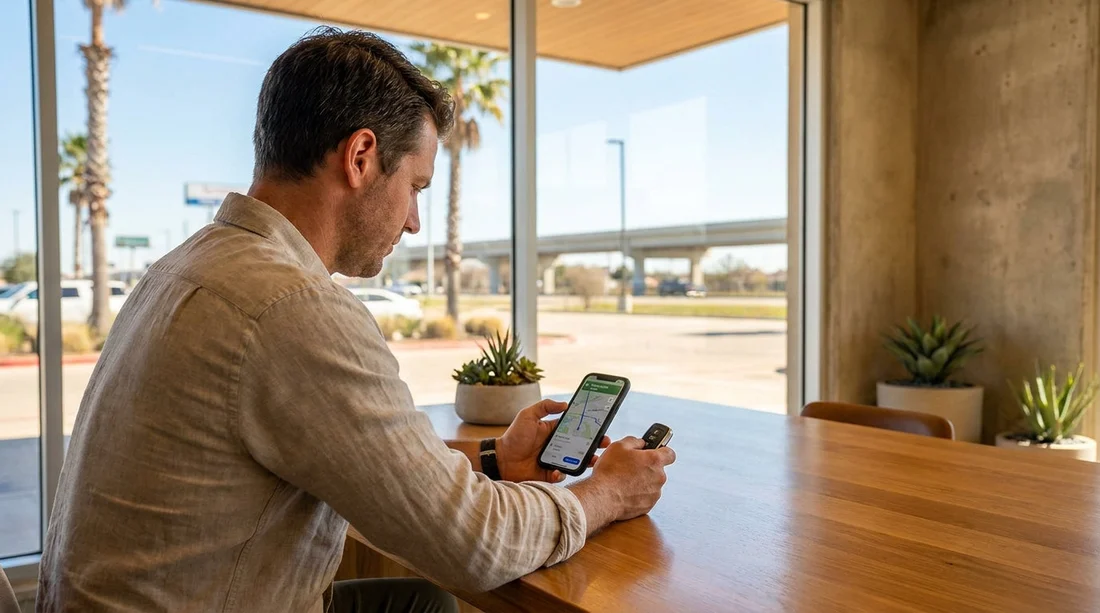
Quick Summary:
- Open Route options in Google Maps, then turn on Avoid tolls.
- Compare alternate routes and pick the best toll-free travel time.
- Watch for cashless toll roads near airports and major interchanges.
- Save your toll-free route to pick-up, then start navigation.
Texas cities are built for driving, and many of the quickest urban routes are toll roads. If you are arranging car hire and want to keep costs predictable, it helps to set Google Maps to avoid tolls before you even arrive at the rental counter. Doing this early also prevents a common issue, you accept the first route suggestion, then discover later it relied on cashless toll lanes and your final bill is higher than expected.
This guide walks through the exact Google Maps settings, how to weigh ETA trade-offs, and how to plan a realistic toll-free drive to your pick-up point in Texas.
How to set Google Maps to avoid tolls (iPhone and Android)
The “Avoid tolls” switch is in the route settings, but the location varies slightly depending on whether you set it before or after you start navigation.
Option A: Set “Avoid tolls” while planning a route
1) Open Google Maps and search your destination, for example an airport rental facility or hotel.
2) Tap Directions.
3) Choose your starting point, such as your hotel, a friend’s address, or the airport terminal.
4) Tap the three dots or the route settings icon on the directions screen.
5) Tap Route options.
6) Toggle Avoid tolls on, then return to the route overview.
Option B: Turn it on during navigation
If you have already started a route, you can still change it.
1) Tap the route card at the bottom of the navigation screen.
2) Open Route options.
3) Toggle Avoid tolls on, then choose a new route if prompted.
Tip: if you are planning your car hire pick-up at a major airport, set the preference before you travel. That way, when you land and request directions, you are less likely to be routed through a toll expressway while juggling bags and signs.
Plan the route before pick-up, so you know the real travel time
Avoiding tolls is simple technically, but the practical part is understanding what changes in Texas. A toll-free route may involve more traffic lights, local roads, and slower frontage roads running parallel to motorways.
If you are heading to a car rental location at an airport, plan your route in advance at roughly the time you expect to travel. Google Maps uses live and historical traffic, so the toll-free ETA at 8am can differ greatly from 11am.
If you are collecting a vehicle around Houston, you can compare routes to a pick-up point such as Houston IAH airport car rental and note whether the fastest route uses tollways like Beltway 8 or the Hardy Toll Road. For travellers landing in Dallas, preview directions to car hire at Dallas DFW and confirm if the suggested path includes TEXpress lanes or the DFW airport toll roads nearby.
A good routine is to check three things before you set off. First, the ETA difference between the toll route and the toll-free route. Second, whether the toll-free alternative is significantly longer in miles, which can affect fuel. Third, whether the toll-free route includes complex interchanges that might be stressful immediately after a flight.
Understanding the ETA trade-off in Texas
Toll roads in Texas are often built to bypass congestion, so the “avoid tolls” setting can add time. The key is deciding whether the added time is worth the savings and simplicity.
Typical situations where toll-free is easy
If you are driving outside peak rush hours, the toll-free route may only add a few minutes. In many areas, frontage roads provide a parallel option that is slower but straightforward.
Typical situations where toll-free can be much slower
During weekday peak traffic around Houston, Dallas, and Fort Worth, avoiding tolls may push you onto surface streets with many junctions. The toll option may also be more consistent for ETA, while the toll-free route can be more variable.
To judge the trade-off quickly, look at the route list in Google Maps. If the toll-free option is not only slower but also dramatically longer in distance, it may indicate a detour rather than a parallel road.
How to spot toll roads and cashless tolling before you drive
Even with “avoid tolls” on, it is smart to recognise toll segments so you can sanity-check the route.
Look for toll labels on route options
Google Maps typically marks toll routes with a small “toll” label. Tap each route to see the highlights and confirm the chosen option is not labelled.
Zoom in on the route line
Toll roads can appear as distinct controlled-access routes. Zooming in helps you notice if the path jumps onto a tollway for a short segment, which might happen if the settings did not apply or the route refreshed.
Know that many Texas toll roads are cashless
A major planning point is that many toll roads do not accept cash at the roadside. Instead, they use electronic toll tags and number plate billing. For renters, that often means charges can be processed later through the rental provider’s toll programme, sometimes with additional fees.
Route planning tips for common Texas pick-up scenarios
Flying into Houston (IAH)
Houston’s toll network can be convenient, but it is easy to end up on tolled segments when moving between the airport area and the suburbs. If you are heading to a provider at IAH, review directions to car hire in Houston IAH and check whether the fastest route uses toll facilities.
Arriving at Dallas Fort Worth (DFW)
The DFW area has tolled express lanes and toll roads that can speed up cross-metro journeys. If you are picking up an SUV for space and comfort, map your drive to SUV rental at Dallas DFW and then test a toll-free route to your first stop.
FAQ
How do I turn on “Avoid tolls” in Google Maps before I arrive in Texas? Open Google Maps, plan any route, tap Route options, then toggle Avoid tolls on. It will apply to that route, and often carries over to new routes.
Will avoiding tolls in Texas always make my journey much longer? Not always. Off-peak, toll-free alternatives can be only slightly slower. During rush hour in Dallas, Houston, and Fort Worth, the difference can be more noticeable.
Do Texas toll roads take cash if I accidentally drive on one? Many Texas toll roads are cashless and bill electronically. With a rental vehicle, charges may be processed later via the rental provider’s toll programme.
Can I avoid tolls and still use motorways in Texas? Yes. Many interstates and major highways are free to use. The key is avoiding specific tolled roads and tolled express lanes, which Google Maps can route around.
What should I check in Google Maps right before I leave the car hire pick-up point? Confirm Avoid tolls is enabled, review the route list for any “toll” label, and glance at the first few turns so you do not enter an express lane by mistake.





























































































