


Quick Summary:
- Check your voucher for the supplier name, counter area, and terminal.
- Follow airport signs for Car Rental Centre, not a specific brand.
- At shared desks, match the small “served here” placard to your voucher.
- Ask staff to confirm your supplier before joining the longest queue.
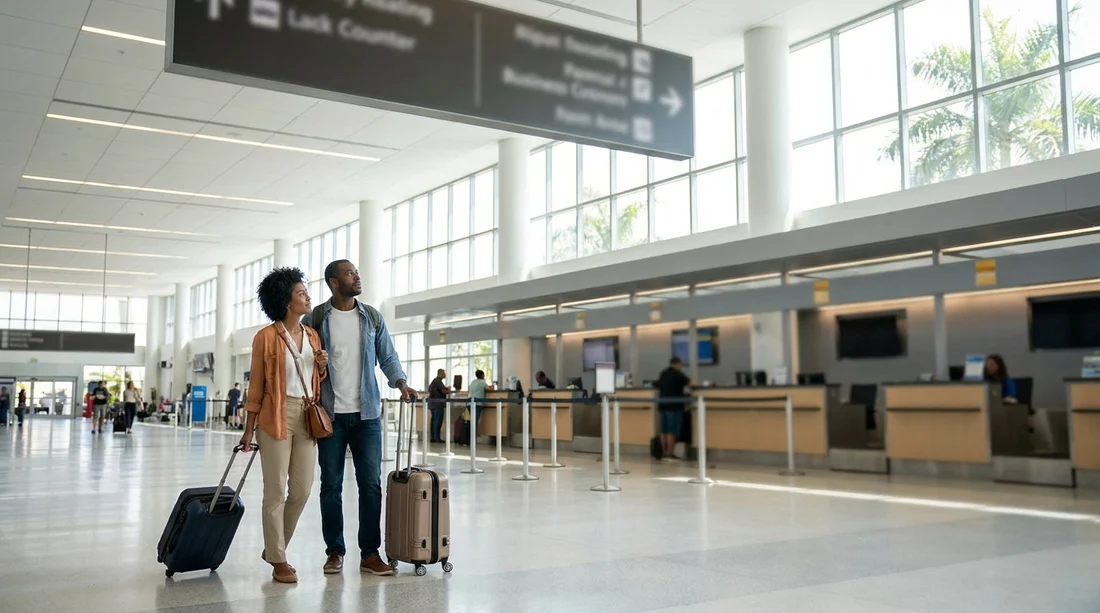
Miami International Airport can feel straightforward until you reach the rental hall and realise several brands share the same counter space. When desks are shared, the biggest sign above the desk is not always the company handling your paperwork. That is where travellers lose time, queue at the wrong place, and end up repeating the same details twice.
This guide explains how to find the correct Hola car hire counter experience in Miami when desks are shared, what to look for on your voucher, and how to confirm you are in the right queue before you commit.
Understand what “shared desks” means at Miami Airport
Shared desks usually happen when one company services paperwork for multiple brands, or when several brands operate from one counter bank with different positions and screens. In practical terms, you may see one large overhead sign, while the desk positions beneath it serve different suppliers at different times.
For car hire customers, the key is to follow the instructions on the voucher rather than relying on the biggest logo in view. Your voucher is the document that ties your reservation to the correct supplier, desk location, and sometimes a specific terminal or rental centre route.
Before you land, find the three voucher details that matter
Open your booking voucher on your phone and also keep an offline copy, such as a PDF screenshot. In a shared desk setup, the voucher is your quickest way to spot which counter is handling your rental agreement.
1) Supplier or servicing brand name. Look for the company name that will issue the contract at the counter. This may differ from the brand name you expected if a local agent handles the desk.
2) Counter location wording. Common wording includes “Car Rental Centre”, “Rental Car Facility”, “Arrivals”, or “Terminal” references. Shared desks often sit within a larger rental centre, so the location phrase matters more than the logo.
3) Confirmation number and pick up time. These help staff quickly identify your booking, and they help you avoid being redirected because you arrived at the wrong desk line.
Follow the right airport signage first, then look for desk-level signs
At Miami Airport, the best early decision is to follow general rental car signage rather than hunting for a specific brand name too soon. Shared desk operations can mean your brand is not the headline sign on the way. Follow signs pointing to the car rental area or rental car centre, then switch your focus to desk-level identifiers once you arrive.
When you reach the counters, slow down and scan for smaller indicators such as digital screens, tent cards, or placards that say which brands are served at that station. In shared desk environments, these small signs are often more accurate than overhead boards.
What to look for when several queues sit side by side
Queues at a shared desk bank can look identical. Use this quick visual checklist before you join a line.
Look at the screen above the agent. Many counters display the current brand being served. If you do not see your supplier name, that line may not be right even if it is moving quickly.
Look for “also serving” text. Shared desks commonly list multiple brands in small print. Match this list to the supplier name on your voucher.
Check the stanchion signs. The rope barriers sometimes have a small sign indicating which desk positions that queue feeds into. That can reveal whether it is a general queue or a dedicated one.
Listen to what people are saying at the front. If you hear a different brand name repeatedly, you may be in the wrong place.
How to confirm without wasting time or losing your place
If you are unsure, do a 15-second confirmation before you fully commit to a queue. Walk to the edge of the line and politely ask the staff member managing the flow which desk handles your supplier name and show the voucher line with the supplier. This is normal at shared counters, and staff are used to directing people.
When you ask, keep it specific: say the supplier name from the voucher, your pick up time, and that you are looking for the counter handling that booking. Avoid asking “Is this Hola?” because Hola may be the booking platform while another company services the counter.
Common reasons people queue at the wrong desk in Miami
They follow a brand they recognise. Familiar logos can be misleading in shared desk halls. The servicing brand on your voucher is the deciding factor.
They assume all desks under one sign are the same. One counter bank can host multiple suppliers. Desk position matters.
They do not read the voucher counter notes. Many vouchers include short notes such as “served at shared counter” or “see desk signage for brand list”. Those notes exist for this exact situation.
They rely on another traveller’s advice. People in line may have a different supplier, even if they booked a similar car class.
Use your voucher to avoid the wrong paperwork
In a shared desk setup, the wrong queue is not just a time loss. It can also lead to the wrong contract terms being discussed, different deposit rules, or confusion over inclusions such as additional drivers. That is why confirming the supplier name early matters.
Once you reach the agent, have these ready: driving licence, passport, payment card in the main driver’s name, and your voucher confirmation. When you present the voucher, point to the supplier or servicing name line so there is no ambiguity.
What if the counter agent says your booking is “not in the system”?
This often happens when you are at the wrong desk within a shared bank, not because the booking is missing. Stay calm and do a quick check:
Confirm the supplier name on the voucher matches what the agent is searching.
Confirm the pick up location. If the voucher lists a different facility, you may be in the right airport but wrong rental centre area.
Confirm the booking reference format. Some systems need the confirmation number exactly as shown, including letters.
If it still does not appear, ask which desk or partner brand handles vouchers showing that supplier name. In shared desk halls, a short walk to a neighbouring desk position can resolve it.
Helpful context if you are comparing Miami pick up points
Some travellers decide to avoid airport complexity entirely by choosing a different collection area. If you are weighing up where to collect, these local pages can help you compare options and expectations: car hire near Brickell and airport connections, Downtown Miami car hire information, Brickell rental details for Budget, and Miami Beach minivan rental guidance.
Even if you are set on Miami Airport, understanding how other locations handle desks and signage can make shared counters feel less confusing, because you know what information actually controls the handover.
A final checklist to get to the correct shared desk faster
Before you join any queue, run this checklist once. Match the supplier name on the voucher to the desk signage, confirm the counter area wording, then ask a staff member if you still feel uncertain. Doing this takes under a minute and can save a long wait.
Shared desks are designed to make operations smoother, but for travellers they only work well when you trust the voucher details and validate the desk-level signs instead of the biggest logo in the room.
FAQ
How do I know if my Hola booking is handled at a shared desk?
Check your voucher for notes like “shared counter”, “served by”, or a list of brands at the same desk. The supplier or servicing name line is the clue.
What should I show staff to confirm I am in the right queue?
Show the voucher line with the supplier name and your confirmation number. Ask which desk position serves that supplier, then join that queue.
If I only see a different brand on the overhead sign, am I in the wrong place?
Not necessarily. Overhead signs can represent the counter bank, while desk-level placards or screens show which supplier is being served at each position.
What is the fastest way to avoid queueing twice at Miami Airport?
Follow rental car area signage first, then match the voucher supplier to desk-level signs. If uncertain, ask the queue manager before you line up.
Does a shared counter change my car hire terms?
The servicing desk may be shared, but your inclusions and rules come from the booking you made. Use the voucher to confirm what is included and what is required.





























































































