


Quick Summary:
- Select USD or local currency on the terminal, never your home currency.
- Decline any guaranteed exchange rate prompts, they usually signal DCC.
- Check the receipt shows USD only, with no conversion markup line.
- Ask staff to void and rerun the payment if DCC was applied.
Dynamic currency conversion, usually shortened to DCC, is an optional card payment service that lets you pay in your home currency instead of US dollars. It can appear when you pay by credit card for car hire in Texas, especially if your card was issued outside the US. The idea sounds convenient, but the exchange rate and markup are often worse than what your card issuer would apply, so you can end up paying more for the same rental.
Because Hola Car Rentals takes credit card payments only, the best protection is knowing what DCC looks like on the payment terminal and on the receipt, then confidently choosing to pay in USD every time. This matters at airport desks and city locations across Texas, whether you are picking up near Houston, Austin, San Antonio, Dallas, Fort Worth, or El Paso.
What DCC is, and why it can cost more
DCC happens when the merchant’s payment system recognises a foreign issued card and offers to convert the transaction amount from USD into your home currency at the point of sale. Instead of your card network converting later, the conversion is done by the merchant’s provider. You might see a message that offers your home currency total, sometimes described as “guaranteed rate” or “guaranteed exchange”.
The catch is that the offered rate often includes a markup, and you may also see an extra DCC fee or “conversion” line. Even when no explicit fee is listed, it can be baked into the exchange rate. Your card issuer, on the other hand, typically applies the Visa or Mastercard rate, plus any foreign transaction fee your card may charge. In many cases, paying in USD and letting your issuer handle conversion is cheaper and more transparent.
DCC is not the same as your bank’s foreign transaction fee. Avoiding DCC does not remove your card’s own fees, it simply stops a separate conversion layer being applied at the terminal.
How to spot DCC on a card terminal in Texas
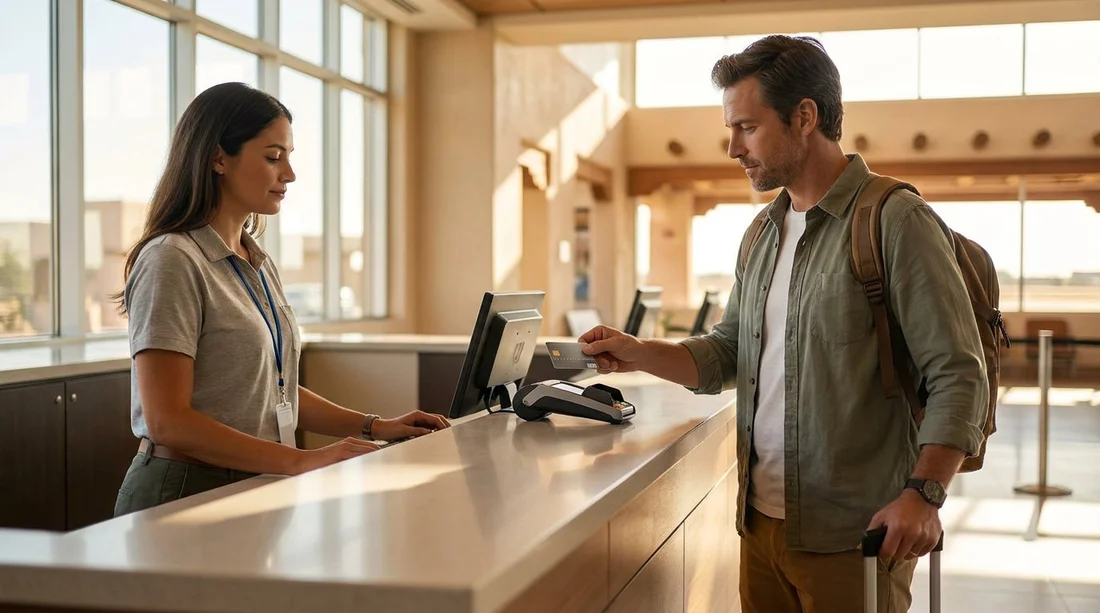
At the counter, DCC usually appears as a choice. The terminal might show two amounts, one in USD and one in your home currency, and ask you to select which currency to pay in. It may also show wording like “Pay in GBP/EUR/AUD” versus “Pay in USD”, or “Cardholder currency” versus “Merchant currency”.
If the staff member selects options for you, stay alert. Some terminals default to home currency when they detect a foreign card. If you are not sure what you are seeing, ask politely to pay in USD before you tap or insert your card.
How to spot DCC on the receipt after paying
Even if the terminal step went quickly, the receipt usually tells the truth. Before you leave the desk, scan the receipt for these indicators.
A clean non DCC receipt should show the charge in USD as the transaction amount. Your bank statement later may show an equivalent in your home currency, but that is your issuer’s conversion, not DCC.
Exactly what to say at the counter
You do not need to argue about exchange rates. A simple, clear instruction works best. Useful phrases include: “Please charge me in USD only”, “I want to pay in local currency, US dollars”, and “Please decline dynamic currency conversion”.
If you are shown two buttons, choose the option that states USD, local currency, or “without conversion”. Avoid options that display your home currency, even if the number looks reassuring.
What to do if DCC was applied by mistake
If you notice DCC on the receipt while you are still at the desk, ask for the payment to be voided and reprocessed in USD. This is usually the simplest fix because the terminal can often run the transaction again correctly if the staff selects the right option.
If you only discover it later, you can still raise it. Keep the receipt and your card statement, then contact the merchant and your card issuer. Outcomes vary by issuer, but the best chance of a quick solution is catching it immediately at pickup, before you drive away.
Why DCC can appear with airport car hire in Texas
DCC is common at high volume travel locations such as airports, where many customers use foreign cards. If you are collecting near major hubs, it is worth expecting the DCC prompt and being ready to choose USD. For example, you may see it when arranging car hire near Houston IAH, or when picking up car hire in Austin AUS. You can also encounter it around Dallas and Fort Worth, including car hire at Fort Worth DFW, or when travelling west for car hire in El Paso ELP.
The location does not change the rule. When the terminal offers a currency choice, pick USD. When the terminal does not offer a choice, check the receipt to confirm USD was used.
How to avoid DCC when Hola takes credit card only
When a business is card only, you cannot switch to cash to bypass DCC. Instead, your control points are the terminal choice and the receipt check. Use this practical routine:
1) Tell the agent up front: Before the terminal is handed to you, say you want to pay in USD only.
2) Read the terminal carefully: Do not rush the last screen. Look for currency selection, exchange rate text, or “guaranteed” wording.
3) Choose USD or local currency: If you see your home currency, treat it as the DCC path and avoid it.
4) Keep the printed receipt: You need it to verify the transaction currency and to dispute errors.
This approach works regardless of the rental brand at the desk because the DCC prompt is handled by the card terminal and payment processor, not by the car itself or the route you are driving.
Key takeaway for Texas car hire payments
The safest default is simple: always pay in USD, and confirm the receipt shows USD as the transaction currency. DCC is easy to accept by accident because the prompts are designed to feel helpful. Slow down for the final screen, and do not be afraid to ask for a re-run if the receipt shows conversion.
FAQ
Is dynamic currency conversion illegal in Texas? No, DCC is generally permitted when it is offered as a choice and disclosed. The issue is that it can be expensive, so you should actively decline it and pay in USD.
If I choose USD, will I avoid all extra fees? You will avoid the merchant’s DCC markup, but your card may still charge a foreign transaction fee. Choosing USD usually gives you the card network rate plus your issuer’s fees.
What if the terminal does not show a currency choice? Ask the staff to confirm the charge will be processed in USD. After paying, check the receipt for exchange rate lines or home currency totals, and request a void and rerun if needed.
Can contactless or mobile wallets prevent DCC? Not reliably. Some wallets reduce prompts, but DCC can still appear. You should still look for a currency choice and verify the receipt shows USD.
What proof do I need if DCC was applied? Keep the receipt that shows the conversion details, plus a screenshot or copy of your card statement entry. The receipt is the most useful evidence for a correction.





























































































