


Quick Summary:
- Check your voucher for the supplier name shown on SFO signage.
- Take the AirTrain to the Rental Car Center and find desks.
- Bring licence, passport, payment card, and voucher to the counter.
- If the brand is shared, confirm the issuing company before signing.
At San Francisco International Airport (SFO), many travellers are surprised to discover that the counter they need is not always branded with the same name they saw online. When you arrange car hire with Hola, your booking can be fulfilled by a specific rental company, or processed at a shared or partner desk that handles check-in for more than one brand. It is normal, it is common at major airports, and it is designed to keep queues moving and desks staffed efficiently.
This guide explains what “shared/partner desk” means at SFO, how to find the right queue in the Rental Car Center, and what documents and details you should have ready so your pickup stays straightforward.
What “shared” or “partner desk” means at SFO
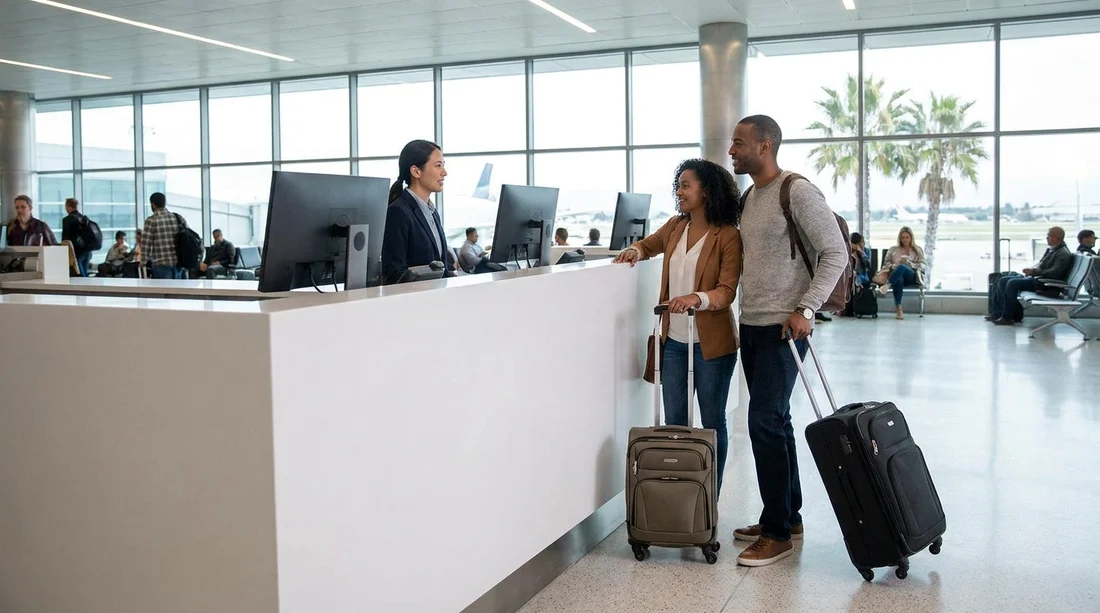
A shared or partner desk is a staffed counter where one team can process agreements for multiple rental brands. You might see this described as “served at”, “provided by”, “counter operated by”, or “partner desk” on your voucher or confirmation. In practice, it means the desk agent can locate your reservation in their system and prepare your rental agreement even if the counter signage shows a different brand name than the one you expected.
This setup is most common when a brand has limited on-site staffing at certain hours, when multiple brands share back-office systems, or when a parent group consolidates counter operations. The car you collect is still the vehicle class you reserved, subject to availability and the terms on your booking, but the desk you visit may be run by a partner.
If you are comparing airport options in the Bay Area, the process can differ slightly by location. For reference, Hola also supports nearby airports such as San Jose Airport car rental and San Jose car rental, where counter layouts and shuttle routes may be different from SFO’s Rental Car Center.
Where the shared counters are at SFO
SFO’s rental companies operate from the Rental Car Center, which is separate from the terminals. After landing, follow signs for “Rental Cars” and take the AirTrain (SFO’s automated people mover) to the Rental Car Center station. This is the main hub for rental counters and is where you will see multiple companies lined up in the same hall.
Inside the Rental Car Center, each company or group of companies has its own queuing area leading to one or more desks. Shared or partner arrangements usually do not have a separate “shared counter” sign. Instead, you queue for the counter of the company that is actually processing your rental agreement. That is why the supplier name on your voucher matters more than the marketing name you first searched.
Some travellers book specific vehicle types for San Francisco driving, especially larger luggage loads or family trips. If you are planning for hills, bridges, and coastal day trips, it can help to review what is typically available under SUV rental at San Francisco SFO, then match your expectations to the “vehicle category” wording on your voucher.
How to find the right queue, step by step
1) Check the supplier and “served at” wording before you land. Open your Hola confirmation and look for the supplier name, counter instructions, and any mention of a partner desk. If there is a line that says “served at” or “counter operated by”, treat that as your primary clue for where to queue.
2) Follow airport signage to the Rental Car Center. At SFO, the AirTrain is the standard route. If you are unsure which direction, airport staff can point you to the Rental Car Center platform from your terminal area.
3) In the counter hall, match the desk branding to your voucher. Look up at the overhead signs above each queue and compare them to the supplier name on your documents. If the booking is handled at a partner desk, the brand on your voucher may be the desk operator, not the brand you searched initially.
4) If you still cannot match it, ask before you queue. It is better to spend 30 seconds confirming with a staff member than to wait in the wrong line. Use a simple question such as, “My voucher says served at [X], is this the correct desk for that supplier?”
5) Keep your group together and your documents accessible. Shared desks can move quickly when travellers are prepared. Having your licence, card, and reservation details ready prevents you being sent aside to retrieve items while the next person is served.
If you have previously used specific suppliers in the region, that familiarity can help you recognise desk branding. For example, Hola also provides information for suppliers at other Bay Area points, such as Hertz car rental in San Jose SJC, which can make it easier to understand how supplier-operated desks work across airports.
What to have ready at a shared or partner counter
Shared counters are not more strict than standard counters, but they are less forgiving if information is missing because the agent may be supporting multiple systems and policies. Arriving prepared reduces the chance of delays.
Your driving licence. It should be valid for the full rental period. If your licence is not in English, you may need an International Driving Permit depending on the supplier’s rules, your issuing country, and local requirements.
A passport or government photo ID. Desk agents often use this to verify identity and match the reservation details.
The payment card intended for the deposit. Many suppliers require a credit card in the main driver’s name for the security deposit. Some accept debit cards with conditions, but this varies widely. A shared desk will apply the supplier’s policy, not Hola’s.
Your reservation voucher. Keep the booking reference, supplier name, pickup time, and inclusions visible. A screenshot can work if you are offline, but a PDF is usually clearer.
Additional driver details, if applicable. If you plan to add another driver, that person should be present with their licence and ID, unless the supplier allows adding them later.
What happens at the counter, and why shared desks can feel different
At the counter, the agent will locate your booking, confirm the driver’s details, take the deposit, and present the rental agreement. With a shared desk, you may notice the paperwork or on-screen branding differs from the name you expected. That does not automatically mean anything is wrong. What matters is that the agreement reflects the correct pickup location (SFO), dates, vehicle category, and the named driver.
Pay close attention to any optional items. Extras such as additional insurance products, fuel plans, toll devices, child seats, and upgrades are commonly discussed at the desk. If anything is unclear, ask for the price per day and the total cost before you sign.
How to make pickup smoother at SFO specifically
SFO is efficient, but it is large, and the Rental Car Center can be busy. Build extra time into your plans for AirTrain travel, queuing, and walking to the garage area. Keep your phone charged so you can access your confirmation, and take a screenshot of your voucher in case connectivity drops.
Finally, do a quick check of the vehicle before you drive off. Confirm the fuel level, note any existing damage on the inspection form or photos, and familiarise yourself with how tolls are handled for Bay Area bridges. Doing these checks at the start is often faster than trying to resolve questions later.
FAQ
What does “shared counter” actually mean for my car hire at SFO? It means the rental agreement is processed by a partner desk that serves more than one brand. You still pick up from the SFO Rental Car Center, but the counter name may differ from the brand you searched.
How do I know which queue to join in the Rental Car Center? Use the supplier and any “served at” wording on your voucher, then match it to the overhead counter signs. If in doubt, ask a staff member to confirm before waiting.
Will I get the exact car model I booked when using a partner desk? Typically you receive the reserved vehicle category, not a guaranteed model. Availability and fleet mix at SFO can affect the specific vehicle provided.
What documents should I have ready at the shared desk? Bring your driving licence, passport or photo ID, your voucher with booking reference, and a payment card in the main driver’s name for the deposit.
What should I check on the paperwork before signing? Verify pickup location is SFO, dates and times are correct, the vehicle category matches, and any optional extras are clearly priced. Confirm deposit and fuel terms as stated.





























































































