


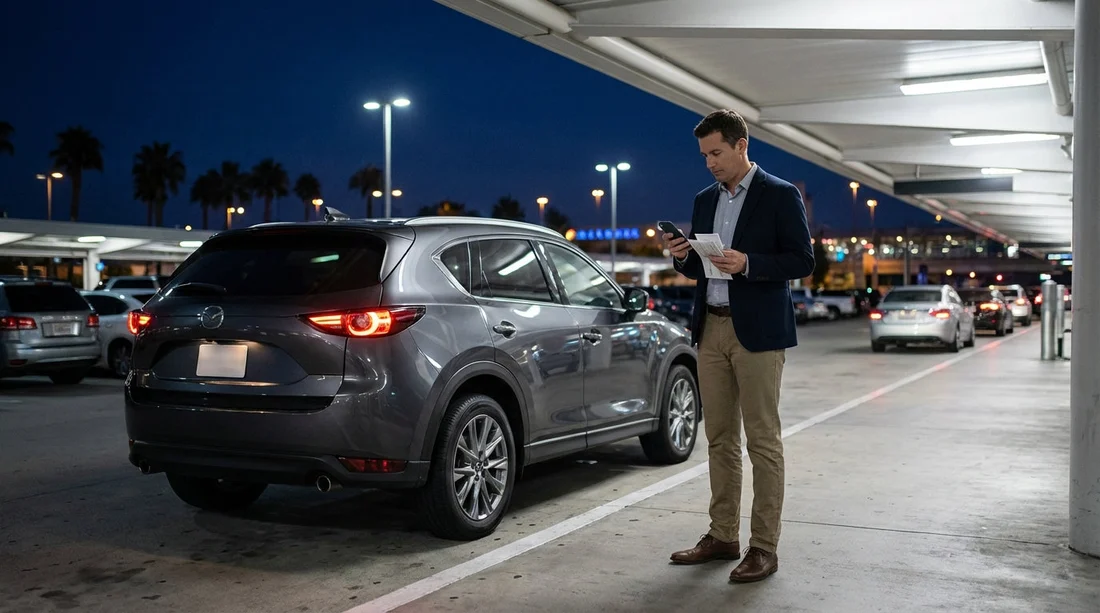
Quick Summary:
- Follow MCO signs to the Rental Car Return, then your company lane.
- Park in a marked bay, note the bay number, and time-stamp photos.
- Lock the vehicle, drop keys only in the labelled after-hours box.
- Photograph fuel, mileage, damage close-ups, and the parked position for proof.
Yes, you can usually do an after-hours return for Orlando car hire at Orlando International Airport (MCO). The key is treating it like a documented handover, because there may be no agent present to confirm condition, fuel, mileage, or even the exact return time. This guide gives you a practical, step-by-step night drop checklist for MCO, including where to park, key drop rules, and the exact photos to take so you are protected if any later charges appear.
If you are arranging car hire through Hola Car Rentals for MCO, start with the relevant landing page details for your pickup and return plan, for example car hire airport Orlando MCO or car rental Orlando MCO. The specific return lane and key-drop setup can vary by supplier, but the proof you gather should be consistent every time.
Before you drive to MCO: 10-minute prep checklist
Do these quick steps before you enter the airport roads. They reduce rushed decisions and missing evidence.
1) Confirm the address and the “Rental Car Return” route in your sat nav. At MCO, you will follow airport signage rather than a standalone street address. Set your destination as the airport, then follow “Rental Car Return” once on airport property.
2) Check your return time and fuel policy. After-hours returns are commonly treated as returned when the vehicle is checked in, not when you drop keys. That is why time-stamped photos matter. Ensure you understand whether you must return full-to-full or another fuel arrangement.
3) Remove personal items and data. Empty the boot, door pockets, and under seats. Delete phone pairings from infotainment if possible, and remove toll transponders or accessories that belong to you.
4) Allow extra time for refuelling and finding the correct lane. Late-night MCO traffic can still be busy, and the rental return can be multi-lane with different suppliers.
Where to go at MCO: finding the correct return lane
As you approach Orlando International Airport, watch for the large “Rental Car Return” signs. These guide you to the return facility access roads. Once you enter the return area, you will see multiple lanes and overhead signs for rental companies.
Step 1: Follow “Rental Car Return” signage. Stay in the correct lanes early, because last-minute lane changes in the return approach are stressful and increase the chance of missing your supplier.
Step 2: Choose the lane for your rental company. Look for brand signage at the lane entrance and on overhead boards. If you rented an SUV for a theme-park trip, the return process is the same, but you may want to review vehicle-class guidance on a page like SUV rental Disney Orlando MCO to ensure you return any included accessories and confirm fuel expectations.
Step 3: Do not hand keys to unmarked staff. At night, there may be attendants directing traffic, but key handling should be through your supplier’s process only. If you are unsure, keep the keys until you locate the clearly labelled return and key-drop point for your company.
After-hours return step-by-step: the night drop checklist
Use the sequence below in order. It is designed so your photos support your written record, and your written record matches your agreement terms.
1) Enter your company’s return area and park correctly. Park in a marked bay or space as directed by the signs or staff. If there is a designated “after-hours” row, use it. Avoid blocking lanes, kerbs, or cones. Once parked, note the bay or space number, and the nearest sign marker if visible.
2) Before switching off, capture the dashboard evidence. With the engine on and the car stationary, photograph the instrument cluster showing:
Fuel level and odometer in the same frame if possible. If the car shows range, photograph that too. Make a second photo with the ignition on if the first is blurred. These are core proofs for fuel and mileage disputes.
3) Photograph the outside condition, systematically. Stand back and take clear, well-lit photos. Night drop often means poor light, so use flash if needed and hold the phone steady. Take these angles:
Front, rear, left side, right side, full vehicle in each shot. Then take close-ups of any existing marks, scuffs, chips, or dents. If you noticed damage at pickup, try to match the location and angle you photographed earlier, so it is easy to compare.
4) Photograph the roof, wheels, and glass. Roof damage and alloy scuffs are common sources of later claims. Take close-ups of each wheel, and at least one photo of the windscreen. If the vehicle is tall, a wide shot that shows the roof line and upper panels is useful.
5) Photograph the parked position and bay identifier. Take one photo that shows the car sitting in the bay with nearby signage, bay number, or lane marker. This helps prove you left it in the correct place at the correct facility.
6) Take a time-stamp proof photo. Most phones embed metadata, but an additional visible time reference helps. Take a photo of your phone screen showing the time and date, then one more photo of the car. Do this immediately before leaving the vehicle.
7) Lock the car and photograph the locked state. After you exit, lock the vehicle using the fob. Photograph the locked car, ideally with mirrors folded or lights flashing as confirmation, depending on the model. Keep the keys in your hand until the next step.
8) Use only the correct, labelled key-drop box. Find the clearly marked key-drop box for your rental company. The box is usually near the booth or return entrance, and it should be branded. If more than one supplier shares a return area, double-check the logo and wording before depositing keys.
9) Complete any envelope or slip if provided. Some suppliers provide a drop envelope asking for name, agreement number, vehicle registration, mileage, and fuel. Fill it in legibly. Photograph the completed slip before inserting it.
10) Photograph the key-drop action. Take a photo of the key-drop box sign showing the company name, then a photo of your keys going in, or your hand at the slot. Finally, take a photo of the closed box. This is your proof you returned the keys correctly.
What proof do you need to protect yourself from later charges?
Think in categories: time, place, condition, fuel, and contract. Your goal is to create a complete record that matches the rental agreement.
Time: photo of phone time and date, plus photo metadata. If your phone supports it, keep Location Services on so photos include location details.
Place: wide photo showing the vehicle parked at the MCO rental return facility, including signage, lane markers, or bay identifiers.
Condition: four-corners exterior photos plus close-ups of any marks. Include wheels, glass, and roof line where practical.
Fuel and mileage: dashboard photos showing fuel gauge and odometer. If you refuelled nearby, keep the fuel receipt and photograph it.
Contract reference: screenshot or photo of your rental agreement number, plus any after-hours instructions in the paperwork or app.
If you hired via a specific supplier, it can help to review supplier-specific notes ahead of time, such as Avis car rental Orlando MCO. You are not trying to create extra admin, you are creating a defensible timeline in case the check-in occurs hours later.
Key-drop rules that commonly trip people up
Do not leave keys in the car. After-hours returns almost always require you to lock the vehicle and deposit keys in the designated drop box. Leaving keys inside can be treated as an improper return.
Do not drop keys into the wrong company’s box. At a shared facility, boxes can be near each other. Your photo of the branded box sign is crucial.
Do not rely on verbal assurances. If a staff member waves you through, still take your photos and still use the official key-drop method.
Do not skip the bay photo. If the car is later moved, your bay and signage photo shows where you left it.
Handling fuel, tolls, and receipts overnight
Fuel: If you are on a full-to-full policy, refuel shortly before arriving, then photograph the gauge at return. Keep the receipt. Even if the gauge reads full, a receipt supports timing and location.
Tolls: Florida tolls can post after your rental ends. Keep a note of your last day’s routes and any toll programme terms from your agreement. If you have questions linked to your booking channel, car hire Orlando MCO is a useful reference for rental context and supplier options.
Parking tickets or incidents: If anything happened on the final day, document it before you return the vehicle. Transparency plus evidence is better than hoping it is unnoticed.
What if the return area is closed, blocked, or confusing?
If you cannot access your supplier’s lane due to closures, roadworks, or barriers, do not improvise by leaving the car somewhere unofficial. Instead:
1) Circle once and re-check signage. Many return areas have an “All Returns” flow that splits into lanes later.
2) Look for an after-hours instruction board. Some facilities post a phone number or steps for late returns.
3) Call the emergency or after-hours number in your agreement. Take a screenshot of the call time and duration, then photograph the sign or barrier that prevented access.
4) If directed to another area, photograph the route markers. You want a clear story: why you parked where you parked, and who instructed you.
How long should you keep your evidence?
Keep your photos, receipts, and agreement screenshots for at least 60 days. Some charges or notifications can appear weeks after return, especially toll-related items or delayed processing. Store everything in a single folder with the return date in the name, and back it up to cloud storage.
FAQ
Can I return my Orlando car hire at MCO after hours?
In most cases, yes. You usually follow the Rental Car Return signs, park in your supplier’s return area, lock the car, and use the branded key-drop box.
What photos should I take for an after-hours return at MCO?
Take dashboard photos for fuel and mileage, four exterior sides, wheels and glass, any existing damage close-ups, the car in its bay with signage, and the key-drop box with keys being deposited.
What time counts as the return time if nobody checks the car in?
Policies vary. Some suppliers treat return time as when the vehicle is processed, not when keys are dropped. Time-stamped photos and a fuel receipt help evidence when you returned it.
Should I keep the fuel receipt even if the gauge shows full?
Yes. The receipt supports your claim that you refuelled shortly before return and can help resolve disputes if the gauge is later recorded differently.
What if I accidentally used the wrong key-drop box?
Contact the rental company immediately using the number on your agreement, and document the time of the call. If safe, return to the facility and correct it, then photograph the correct key-drop box sign.




























































































